A small, fast container runtime for Mac, Windows and Linux. Written in Rust
New0.1.17 Mac · Windows · Linux written in Rust
以下正文同步自 Hacker News 最新,版权归原站所有,已转换为易读排版。
New0.1.17 Mac · Windows · Linux written in Rust
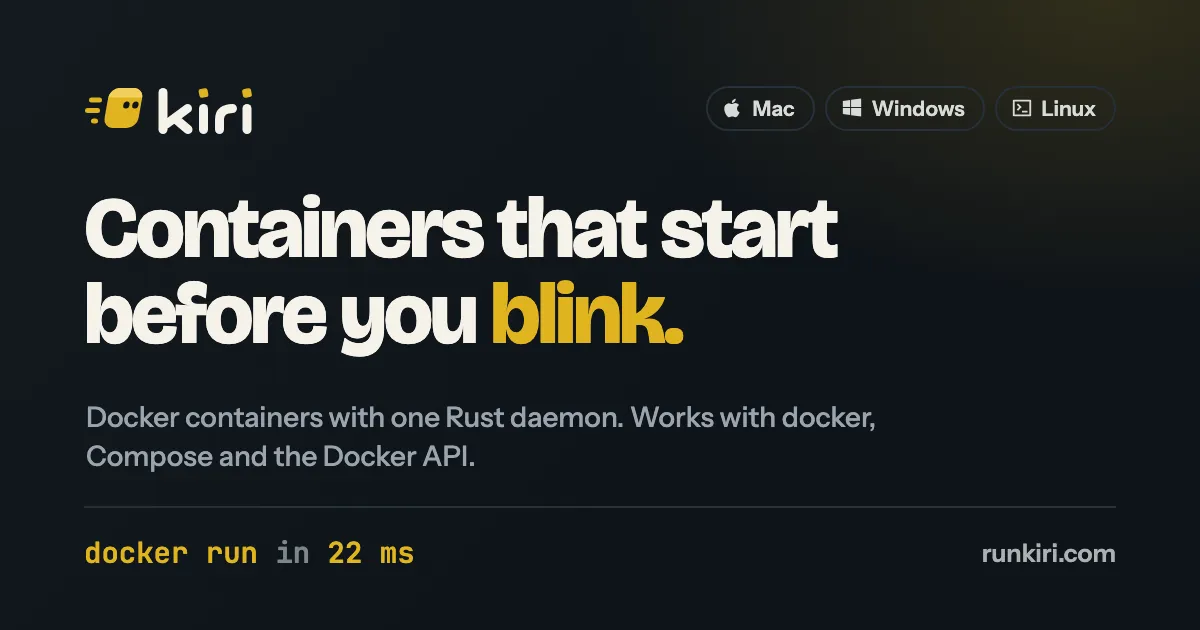
Built from scratch in Rust, not on top of Docker's parts. Kiri runs Docker containers with one daemon. The docker CLI, Compose and the Docker API work as they do today.
The 8×: docker run takes 22 ms on Kiri and 178 ms on Docker Desktop (152 ms on Colima, 279 ms on OrbStack), every engine on 2 CPUs and 8 GB.
Sample One Apple-silicon Mac, one runtime at a time. Measured numbers replace these soon. Benchmarks →
Free, and in beta on Mac, Windows and Linux. Something broken or annoying? Tell us with Feedback in Kiri's window, and we fix it.
webnginx:alpine47 MBLive
dbpostgres:17438 MBUp 2 min
apinode:221.1 GBUp 2 min
redisredis:7117 MBExited
Kubernetes9 pods ready
Works with what you already use
docker
docker compose
docker buildx
Docker Engine API
Docker Hub
OCI images
ghcr.io
Dockerfiles
docker
docker compose
docker buildx
Docker Engine API
Docker Hub
OCI images
ghcr.io
Dockerfiles
What's in it
Containers were the start. Kiri now builds and scans images, runs Kubernetes and whole Linux machines, and puts any container on the internet with one click.
Containers and Compose
Every docker command you use, Compose projects grouped in the window, and a page for each container with live logs, a shell and its files.
Images from Docker Hub
Search Docker Hub from the window and watch each layer pull. amd64 images run through Rosetta.
Builds, with a scan
docker build through BuildKit, a Builds view of every build, and a vulnerability scan of each image on its own page.
Kubernetes
kiri k8s start gives you a k3s cluster in about 20 seconds, with Pods and Services in the window. kind runs too.
Linux machines
kiri machine create dev --distro ubuntu: your user, sudo, and your Mac folders at the same paths.
Share
A public link for any container on runkiri.cloud, from the window or kiri share web. More.
Names and HTTPS
Apps open at web.kiri.local, Compose services at api.myapp.kiri.local, with HTTPS from Kiri's own narrow certificate authority.
Light on your Mac
Unused memory goes back while it runs, and the VM sleeps after a minute idle. The daemon stays around 15 MB; waking takes 0.15 s.
Move over in one go
Bring your images, volumes and containers from OrbStack or Docker Desktop, then switch docker to Kiri from the window.
With Kiri open, the ordinary docker command runs on Kiri, and kiri adds what Docker doesn't have: a name for every container, Kubernetes, Linux machines and a public link.
$ kiri run --rm alpine echo "kiri" prints kiri. $ kiri run -d --name web nginx prints a container ID. $ kiri ps lists the running web container. $ curl http://web.kiri.localhost reaches it by name, with no port to remember. $ docker ps shows the same container, because Kiri answers the Docker API. $ kiri share web gives it a public link at web.runkiri.cloud.
Press Share on a running container and it answers at a public address on runkiri.cloud, over HTTPS, until you press Disconnect. Show a client the branch you're on, test a webhook, or open your app on your phone.
Open the disk image and drag Kiri to Applications. It sets up docker for you.
Search Docker Hub in Images and press Pull, or:
Press Run and give it a port. It starts in milliseconds.
Press Share on the container for a public link, or:
OrbStack and Docker Desktop pass every container start through five programs, each with its own socket. Kiri passes it through one daemon that calls the kernel itself. Same docker command on all three.
Five hops. One shim process stays resident for every running container.
The same five hops, and a shim per running container.
One daemon creates namespaces, cgroups and mounts itself. Nothing per container is left running. Most of this time is the docker CLI starting up. Through the Docker API, a whole container lifecycle takes 3.1 ms.
Medians from one full run on one Apple Silicon Mac, every engine limited to 2 CPUs and 8 GB, all three through the same docker CLI with Docker's default bridge networking. Stops are drawn evenly; only the totals are figures. Windows has its own race.
Full benchmarks: p99s, the Docker API path and every raw figure →
On macOS, Kiri boots a single Linux VM through Apple's Virtualization.framework, with a custom kernel and a small Rust init as PID 1. The host and guest talk over vsock. Inside, the Kiri daemon creates each container with clone3. On Linux the same daemon runs on your own kernel with no VM at all, and on Windows it runs inside WSL2.
kiri hostDocker API socket · 409 KB
Virtualization.framework One VM for every container. No per-container process on the host.
vsock guest vsock round trip p50" data-bind-suffix=" round trip, p50">31 µs round trip, p50
Linux VM custom minimal kernel kiri-init · PID 1 · 360 KB kiri daemon
clone3
containers: namespaces + cgroup + overlay
Kiri architecture on macOS: host, vsock, Linux VM with kiri-init, kiri daemon and containers
macOS host Stormglass later docker / kiri CLI
kiri hostDocker API socket · 409 KB
Virtualization.framework
vsock guest vsock round trip p50" data-bind-suffix=" p50">31 µs p50
Linux VM custom minimal kernel kiri-init · PID 1 · 360 KB kiri daemon
clone3 → containers
One VM, one daemonSee the numbers →
One VM serves every container. Cold boot to ready takes 112 ms, down from 810 ms on a stock kernel.
Requests cross one vsock channel into the VM, not a chain of Unix sockets. A round trip takes guest vsock round trip p50">31 µs.
No process stays per container. OrbStack keeps a shim for each one: 143 running containers held 1.13 GB in shims on our test Mac.
Measured on one Apple Silicon Mac. Method and raw numbers are on the benchmarks page.
AppKit and the system WebKit on the Mac, Win32 and WebView2 on Windows, so no Electron and no bundled browser. Manage containers, images, volumes, networks and Compose projects, with live stats, logs, a terminal and files for each container. Running apps open by name at myapp.kiri.local. On the Mac it brings your images and volumes over from OrbStack or Docker Desktop, and lives in the menu bar.
MacOne minimal Linux VM through Virtualization.framework
WindowsInside WSL2, with the Docker API on a named pipe (beta)
LinuxNative, no VM at all: the daemon calls clone3 on your kernel
‹› Docker
web nginx:alpine Up 2 min 2 min ago Live···
api node:22 Up 2 min 2 min ago Share···
db postgres:17 Up 2 min 2 min ago Share···
worker python:3.13 Up 40 s 1 min ago Share···
redis redis:7 Exited (0) 1 h ago Start···
Kiri 0.1.17
Linux VM running ·4 of 5 running ·657 MB of 4 GB ·docker → default ·Feedback
Download
Every number on this page was measured on it. Kiri sets up a kiri docker context and brings its own docker, Compose and buildx, so there's nothing else to install. Coming from OrbStack or Docker Desktop? Kiri brings your images and volumes over.
$ docker run --rm hello-world
Same docker and docker compose you use today.
正文由 探How 从来源站点 RSS 同步,内容未经改写;遇到排版缺失或需要图片、视频时请以原文为准。