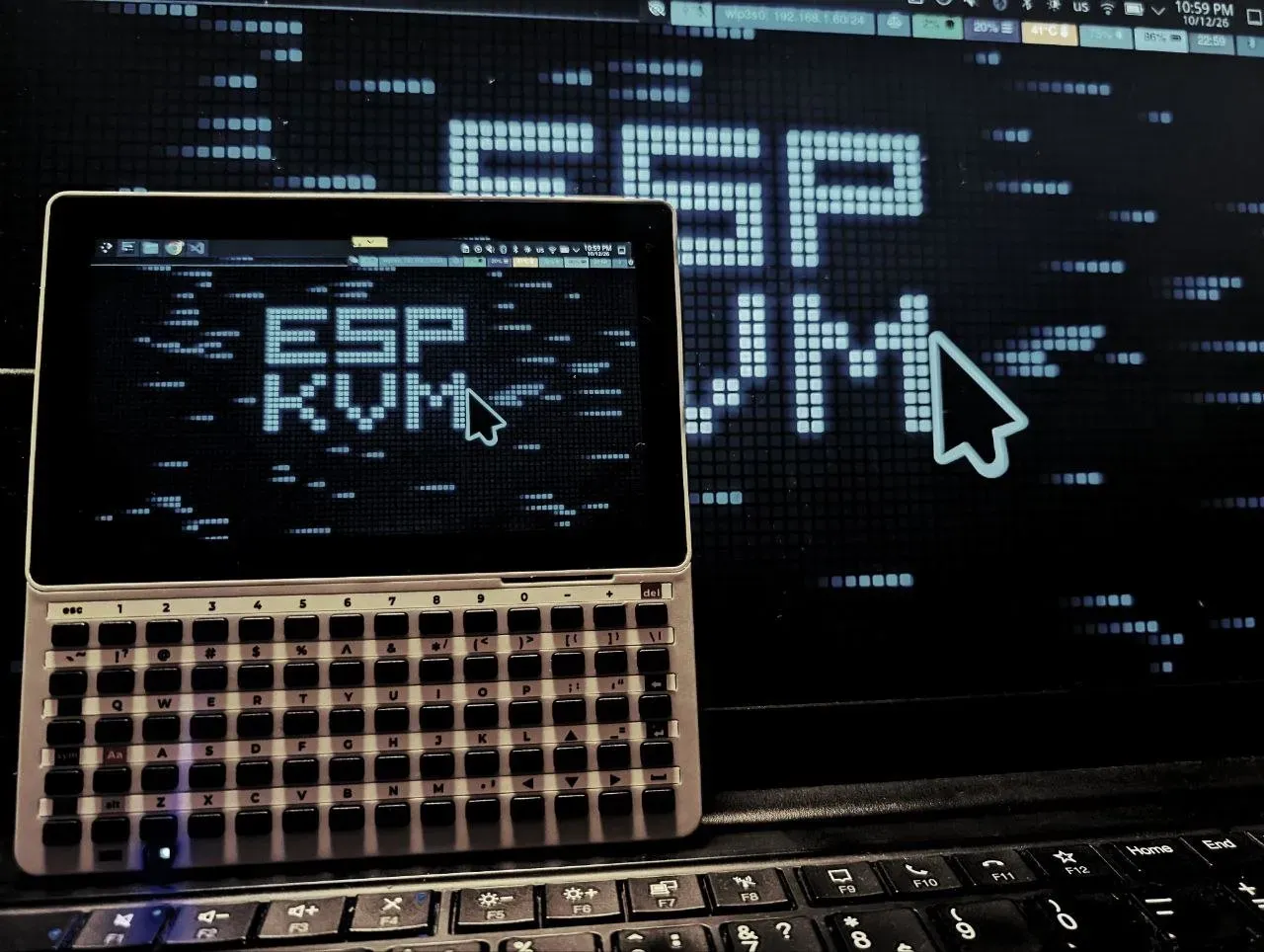
ESP-KVM Terminal on an M5Stack Tab5 for ESP-KVM
The M5Stack Tab5 is a 5" touch screen with an ESP32-P4 inside, the same chip as the KVM. One P4 already sends the target's screen, so why not let another one show it? ESP-KVM terminal is new firmware that makes the…
以下正文同步自 Hacker News 最新,版权归原站所有,已转换为易读排版。
The M5Stack Tab5 is a 5" touch screen with an ESP32-P4 inside, the same chip as the KVM. One P4 already sends the target's screen, so why not let another one show it? ESP-KVM terminal is new firmware that makes the Tab5 a console for an ESP-KVM device. It is not the KVM itself: the KVM stays where it is, and the Tab5 shows its picture.
It finds ESP-KVM devices on the network, signs in, and shows the target's screen at up to about 20 fps at 1280x720. A finger is the pointer, or the screen works as a trackpad, and a pinch zooms in on small BIOS text. The Keyboard for Tab5 types on the target, so does a USB keyboard in the USB-A port, and the menu has the target's power, reset and Wake-on-LAN buttons and Ctrl+Alt+Del. Over Tailscale it works too.
A 26-second video of it: a clip plays on the laptop, and the Tab5 keeps up over Wi-Fi.
It needs the device's codec set to MJPEG: the Tab5's chip has no H.264 decoder. With ESP-KVM 0.65.0 or newer it acks frames, which keeps it smooth on Wi-Fi.
This is an experiment. I do not know yet how many people want a KVM screen they can hold, or how well it works outside my desk. If you try it, or decide you would never use it, vote and tell me here. A "no" tells me as much as a "yes".
ESP-KVM terminal - what it does and how to install it.
ESP-KVM is an open-source IP-KVM on the ESP32-P4 — the code is on GitHub, and you can install it from the browser or try the console without any hardware.
New posts go out on Telegram, X and RSS.
ShareXRedditHacker NewsLinkedInTelegramBlueskyCopy link
正文由 探How 从来源站点 RSS 同步,内容未经改写;遇到排版缺失或需要图片、视频时请以原文为准。