Renting? These 2 new Apple smart home devices are worth your money (and these 5 are not)
Eyeing Apple’s new Home Collection products? Renters should check their lease agreement before installing.
以下正文同步自 ZDNet AI,版权归原站所有,已转换为易读排版。
Eyeing Apple's new Home Collection products? Renters should check their lease agreement before installing.
Read full bio
October 15, 2026, 12:20 pm ET
Apple/ZDNET
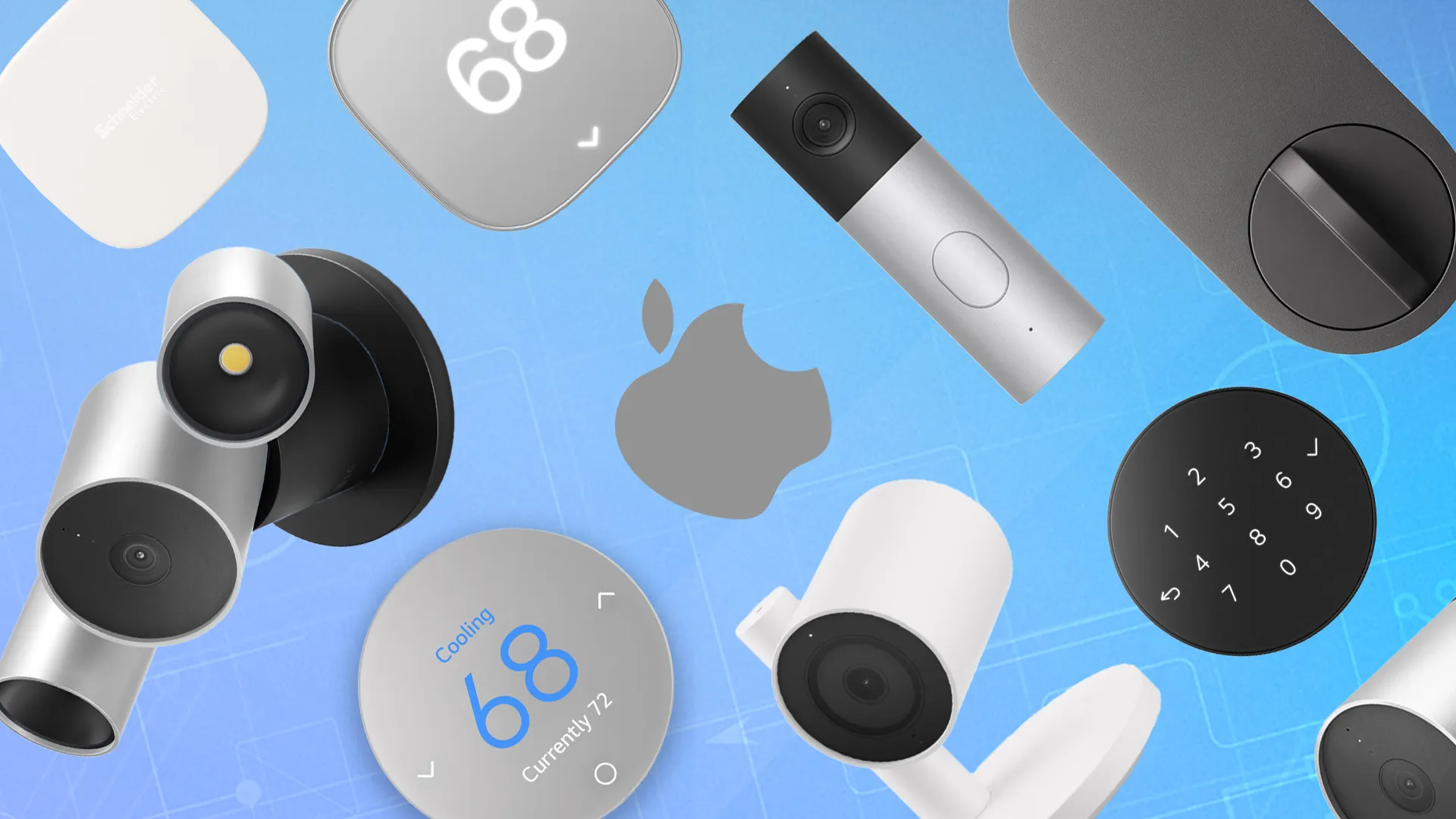
Apple recently introduced a handful of new smart home products, with its first smart panel, the HomeView; a new HomePod mini; an Apple TV 4K; and a complete Home Collection with nine smart home devices. Starting at $40 for smart sensors and up to $400 for security cameras, the Apple Home Collection is not exactly budget-friendly, but could it still be right for renters?
As a homeowner with a mix of smart home ecosystems (including Apple Home), I often wonder about the audience companies intend to target with these kinds of devices. I’ve been a renter myself, and I know how creative you have to be with your smart home setup, given landlord and lease restrictions.
Also: Apple’s smart home event: All 7 devices, prices, and release dates
With that in mind, let’s take a look at which products in the Apple Home Collection actually are renter-friendly, and which devices I wouldn’t recommend investing in.
The LG Indoor Cam is a pan/tilt security camera that looks quite different from comparable options, and has a unique privacy feature. Unlike most indoor cameras that require you to either manually activate privacy mode or set a schedule for it, the Apple Home app triggers it automatically when you come home. While Apple doesn’t specify exactly what triggers this action, it’s likely that it happens based on an iPhone’s location and proximity.
There’s no question that, at $200, the LG Indoor Cam is expensive. There are other indoor cameras with privacy features available, even if they go into privacy mode on a schedule, that are far more affordable and may offer better features, including the $60 Anker Eufy E220, the $140 Anker Eufy S350, and the $99 Aqara Camera Hub G3.
Also: How to fix Wi-Fi dead zones using your home’s electrical wiring – no drilling required
The camera itself is attractive and non-descript, resembling a tabletop lamp and breaking away from the usual pan/tilt form factor. It’s great for renters because you don’t have to mount it on a wall (although you can if that’s an option). It also supports AI video search and, with built-in storage, can continue recording during Wi-Fi outages.
The LG Outdoor Cam from the Apple Home Collection can work for renters since it’s a plug-in camera; there’s no need to hardwire or replace existing light fixtures, as you have to with the Floodlight Cam.
The Outdoor Cam Plug-in supports 2.5K resolution, color and IR night vision, detection of people, pets, packages, and vehicles, person recognition, and AI-powered video search and descriptions.
Also: Apple’s $299 HomeView smart hub is here: 8 highlights, including the wall model
This camera can be set up as a bullet camera or tilted downward at an angle. Like Eufy and Reolink cameras, the LG Outdoor Cam can record without Wi-Fi, ensuring you don’t lose important features when the Wi-Fi is out.
At $300, the LG Outdoor Cam follows the same pricing pattern as the rest of the Apple Home Collection. There are more affordable options, however, including the $60 Tapo MagCam and the Blink Outdoor 4, both of which are battery-powered for easier installation in rental properties.
Some of the products below aren’t ideal for most renters unless your lease terms are somewhat flexible. If you can get creative with setups, you could still use most of these products in a rental property, but I strongly suggest checking your lease before any installations.
I’ve compiled the remaining Apple Home Collection products with information on what makes them stand out, as well as pricing data, for whom they’re best suited, why they may not be ideal for renters, and some renter-friendly alternatives:
Apple is appealing to loyalists with its Home Collection. The people who’ve already invested in the Apple ecosystem are the ones Apple wants to buy the Home Collection from. If you already own an iPhone, Apple Watch, HomePod, or an Apple TV device, you can manage new accessories from the same app without downloading a third-party application.
Apple is ensuring that most AI runs on-device for its new smart home products and that, if this isn’t possible, data goes only through Private Cloud Compute. Apple ensures the company cannot access your footage and emphasizes end-to-end encryption, as well as physical privacy features like those of the LG Indoor Cam.
Also: The new Apple TV 4K is always listening for ‘Hey Siri’ – is that a good thing?
With HomeKit Secure Video (HKSV), users enjoy intelligent detection, facial recognition, 10 days of recording history with an iCloud+ subscription (though this doesn’t count toward your storage capacity), Apple Home integration with Siri AI descriptions, and local video analysis.
All new LG cameras in the Apple Home Collection are compatible with HKSV, but older cameras also support it. HKSV isn’t new or exclusive to the LG cameras. You can also use it with certain Aqara, Eve, Logitech, Eufy, and Netatmo cameras.
Log In to Comment
Log Out
Community Guidelines
Please accept cookies to view the comments powered by Disqus.
正文由 探How 从来源站点 RSS 同步,内容未经改写;遇到排版缺失或需要图片、视频时请以原文为准。