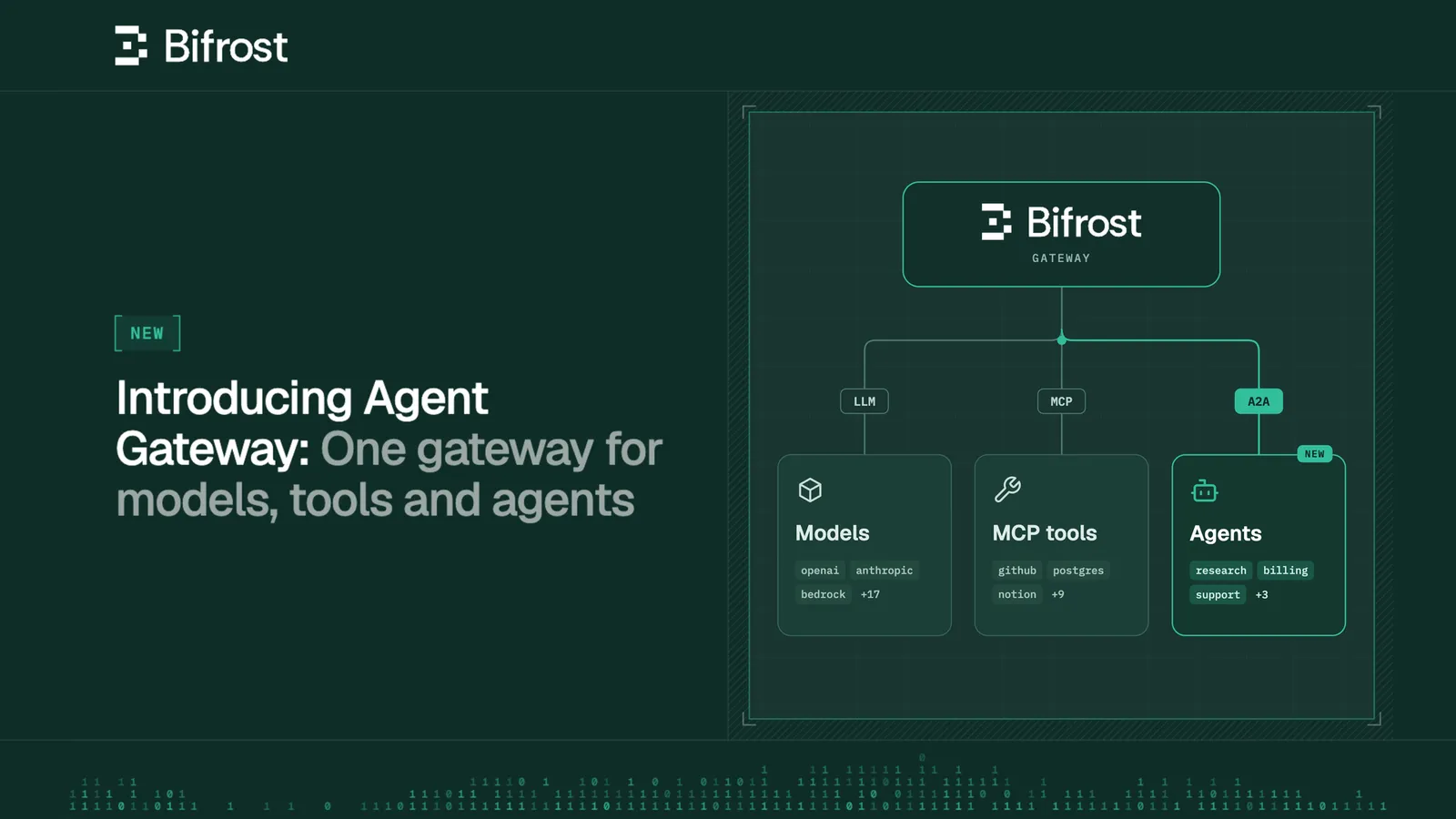
Agent Gateway in Bifrost: One gateway for models, tools and agents
Introducing Agent Gateway in Bifrost: One gateway for models, tools and agents
以下正文同步自 Hacker News 最新,版权归原站所有,已转换为易读排版。
Back to Blog
Introducing Agent Gateway in Bifrost: One gateway for models, tools and agents
Dhwanil Pithva
An agent hands work to another agent. That agent calls a model, uses a few tools, and sends back a result. Now you need to understand what happened - Who started the request? Should they have been able to call that agent? What did it send back? Which model and tool calls went into the answer?
Each service might have its own logs. Following the work across all of them is where things get tedious.
Agent Gateway brings A2A agent calls into Bifrost, alongside your model and MCP tool calls. You get one place to control access, inspect conversations and follow the work behind an agent's response.
Say your support bot asks a research agent to investigate a customer's question. The research agent looks up documentation, makes a few model calls and returns an answer.
In Agent Logs, you can open that conversation and read the exchange. Inspect messages, task updates and results, see the recorded caller, and check agent latency alongside Bifrost's added overhead.
To follow the research agent's own work, route its model and MCP tool calls through Bifrost too. Attach two correlation headers:
Those IDs connect the conversation to its model and tool calls. You can inspect the prompts, responses and tool results, with token usage and cost on the model calls.
That gives you somewhere useful to start when an answer looks wrong, a task takes too long, or usage jumps unexpectedly.
0:00
/1:07
1×
Decide who gets to call each agent
The support bot needs access to the research agent. Another team's application might not.
Give a virtual key access to specific agents, or enable ‘Allow any virtual key’ when an agent should be available to every valid key. Enable authentication enforcement to reject anonymous calls.
Agent access is separate from model and tool access. Permission to call the research agent doesn't automatically grant access to the models or MCP tools it uses. In Bifrost Enterprise, you can also manage agent access through Access Profiles and Projects.
By default, Bifrost removes the caller's Bifrost credential before forwarding a request to the agent.
For agents you trust, enable ‘Forward Bifrost authentication’ and configure the agent to reuse that credential on its model and tool calls through Bifrost. Those calls then follow the original caller's access rules and configured budgets.
The agent can also use its own Bifrost key. In that case, its key's permissions and budgets apply.
0:00
/0:35
1×
Different transports shouldn't require another integration
Your app uses A2A over REST. The research agent exposes A2A over JSON-RPC. Another agent uses gRPC.
Bifrost bridges all three A2A v1 bindings, so your client and agent can use different transports. A REST client can reach a JSON-RPC agent through the gateway without a custom adapter between them.
Clients connecting to Bifrost over gRPC need additional setup, covered in the docs.
Some tasks take minutes. Your app shouldn't need an open stream just to wait for a report.
If the agent supports A2A push notifications, register your app's callback through Bifrost. The agent receives a Bifrost callback address and a separate token. Your app's callback address and credentials stay with Bifrost.
When an update arrives, Bifrost checks it, stores it and delivers it to your app, with retries for failed deliveries. Private and internal callback destinations are blocked by default.
Both sides of that exchange appear in Agent Logs: the notification arriving from the agent and the delivery attempts to your app.
0:00
/0:27
1×
Start with an agent you already have
Agent Gateway works with A2A v1 agents.
Clients discovering the agent through Bifrost's served card receive gateway endpoints, so their calls come through Bifrost too.
0:00
/0:56
1×
Send a request and open Agent Logs. Connect the agent's model and tool calls when you're ready to follow the work further.
Read the docs to get started with Agent Gateway →
正文由 探How 从来源站点 RSS 同步,内容未经改写;遇到排版缺失或需要图片、视频时请以原文为准。