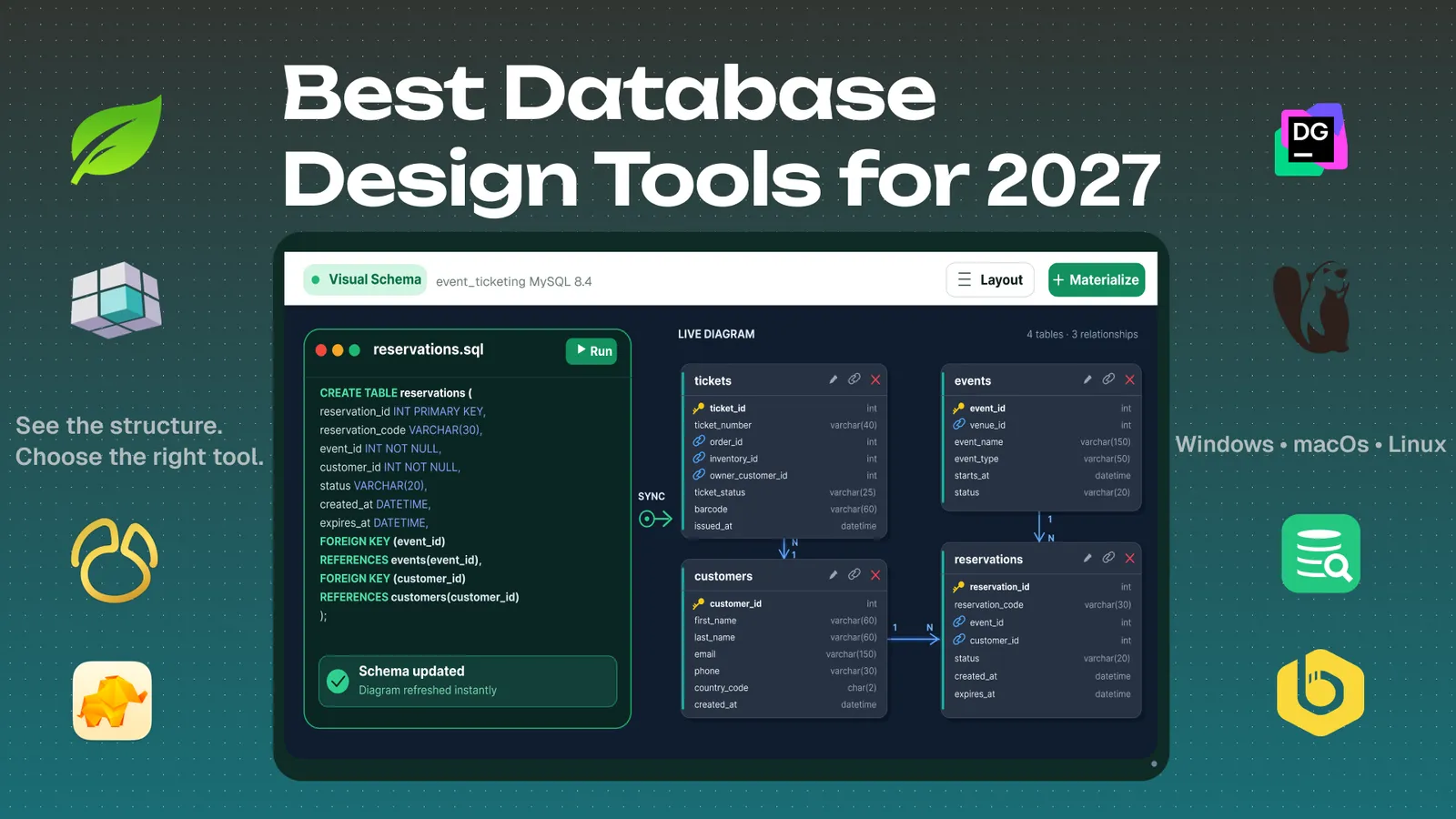
Best Database Design Tools for 2027: Windows, macOS and Linux
Compare eight database design tools for 2027 for ER diagrams, MySQL schema design, SQL editing, visual queries, and team workflows on Windows, macOS, and Linux.
以下正文同步自 Hacker News 最新,版权归原站所有,已转换为易读排版。
Compare eight database design tools for 2027 for ER diagrams, MySQL schema design, SQL editing, visual queries, and team workflows on Windows, macOS, and Linux.
Save
Share
Share on X
Share on Facebook
Share on LinkedIn
{ copied = false; shareOpen = false; }, 2000)" class="flex items-center gap-3 px-4 py-2.5 text-sm text-grey-700 dark:text-grey-300 hover:bg-grey-50 dark:hover:bg-grey-700 hover:text-brand transition-colors w-full text-left">
A MySQL schema diagram alongside the database design tools compared in this guide.
Most database trouble starts with a schema nobody ever drew. A handful of tables turn into fifty, someone adds a foreign key late on a Friday, and a few months later nobody can explain how orders connect to customers without reading raw DDL.
A visual design tool fixes that. You see the tables, you see the relationships, and you can show them to a teammate who wasn’t in the room. The catch is that “database tool” covers a lot of ground. Some let you design a schema before the database exists. Others are SQL clients that draw a diagram once you connect to a live server.
This article compares eight popular tools, focusing on schema design and documentation. For each one, you get what it does well, where it falls short, how many databases it connects to, what it costs, and how painful the free trial is to start.
Short on time? Jump to the strengths and weaknesses overview at the end for a quick side-by-side of all eight tools.
Prices are USD list prices before tax, checked in October 2026. Where a vendor splits business and personal plans, the business price is shown. Plans change often, so confirm on each vendor’s site before you buy.
All screenshots come from the same MySQL database, so the diagrams are comparable. For this comparison, I connected every tool to the same MySQL 8.4.11 database: super_bowl_ticketing, with 19 tables and 21 foreign-key relationships.
VisuaLeaf treats MongoDB and relational databases as equals, which is still rare. For schema work, you can create a diagram from scratch or reverse engineer an existing database into one, then stay in the same app for the rest of the job.
VisuaLeaf’s visual query builder and chart workspace: build a joined MySQL query on the left, or turn an aggregated SQL result into a payment chart on the right.
DataGrip is JetBrains’ database IDE, and it’s the pick if you spend your day writing and refactoring SQL. The free license covers learning, hobby projects, open-source work, and content creation.
DataGrip generates DDL for existing MySQL tables and compares schema changes before creating a migration script.
DbSchema is a good design-first tool from the group. The diagram is the model, and you can save it to a file and work on it without a database connection. Community is free forever and covers connecting, reverse engineering, interactive diagrams, creating tables and columns, and a SQL editor. Pro and Architect add the design workflow on top.
DbSchema’s Relational Data Editor follows connected rows across linked panes, from a venue to its events, orders, and reservations.
DBeaver is the free all-rounder. The Community edition is open source and works with 100+ databases, and the paid editions add schema editing, comparison tools, and NoSQL support. It’s a general database tool first and a design tool second.
DBeaver goes beyond the diagram: compare a changed schema, then build a joined query visually and inspect the SQL it produces.
Navicat is the polished, long-established name in this group. It is a live-connection tool first, but the Enterprise edition adds a proper modelling workspace. Instead of only generating a diagram from an existing database, you can start with a conceptual, logical, physical, or hybrid design and take it forward to MySQL.
Navicat Enterprise pairs a proper modelling workspace with BI dashboards, so you can plan a database before building it and present data through charts afterward.
DbVisualizer is a mature JDBC database client built for databases that already exist. It is good for exploring a live schema, writing SQL, browsing data, and following relationships, but it is not really a design-from-scratch tool. The Free edition covers the essentials, while Pro adds data editing, visual querying, and analysis tools.
DbVisualizer Pro can load a multi-table SQL query into its visual builder, then turn an aggregated result into a chart directly in SQL Commander.
TablePlus is the fast, native client of the group. It is built for people who spend their day in the data grid and want a quick, clean interface with a one-time price. It focuses on everyday database work rather than design, so schema diagrams are an add-on, not a core feature.
TablePlus combines a small SQL-powered Metrics Board with a fast spreadsheet-style grid for inspecting individual ticket orders.
Beekeeper Studio is a clean SQL client with an open-source Community edition. The ER diagram (called the Visual Schema Explorer) is built in, but it's a paid feature: it isn't included in the Community edition, and the trial unlocks it.
Beekeeper Studio makes everyday database work straightforward: filter live payment records in the grid, then save and run a multi-table query from the SQL editor.
What I liked: Beekeeper Studio is one of the easiest tools here to pick up. The interface is clean, browsing and editing data feels quick, and the SQL editor does not bury basic work behind lots of menus.
Disadvantages: The limitation comes after the trial: the free Community Edition does not include ER diagrams, import/export, or the JSON Sidebar. The ER diagram is also mainly built for following relationships; the full-database view keeps only primary and foreign keys visible, while a focused selection shows more detail.
There’s no single winner, because these tools are built around different jobs. Start with whether you’re designing a schema from scratch or exploring one that already exists.
All eight have a free edition or a trial, so the quickest way to decide is to point two or three of them at the same database and see which diagram your team can read.
It depends on the job: VisuaLeaf or DBeaver for broader everyday database work; DbSchema is strong for planning; and DataGrip for SQL.
Yes. DBeaver Community, DbVisualizer Free, DbSchema Community, and VisuaLeaf for SQL databases all include diagram features.
Yes. Connect the database and reverse engineer its tables, primary keys, and foreign keys into a diagram.
Yes. VisuaLeaf and DbSchema let you plan the structure first, then generate the SQL later.
Try two or three tools with the same database before choosing one. The best option is the one whose diagram, SQL editor, and everyday workflow make sense to you and your team.
If you want to try the workflow used in this article, download VisuaLeaf for free and connect it to your MySQL, PostgreSQL, MongoDB, or another supported database.
Previous
ER Diagram vs Database Schema: What’s the Difference?
ER diagrams and database schemas can look alike, but they do different jobs. Learn the difference through a simple clinic example, from design to working database tables.
正文由 探How 从来源站点 RSS 同步,内容未经改写;遇到排版缺失或需要图片、视频时请以原文为准。