A sovereign, local AI browser for professionals who want to save time
Your repetitive web tasks done by AI and agents, all centralised on your computer: time saved, and your data stays with you.
以下正文同步自 Hacker News 最新,版权归原站所有,已转换为易读排版。
Your repetitive web tasks done by AI and agents, all centralised on your computer: time saved, and your data stays with you.
AI-powered browsers are multiplying. Almost all of them share one thing: to summarise a page, answer a message or run an agent, they send your content to servers, often outside Europe. For a professional, that means quotes, contracts and client conversations going elsewhere.
Entering an order in an extranet with no API, tracking competitors' prices, replying to messages, testing a journey on a website: the AI reads the page, clicks, fills in and checks, before your eyes. You set the goal, the agent goes all the way. And the spreadsheet, drawing, terminal and messaging are in the same browser: less copying and pasting between five apps.
All of it centralised on your computer: your pages, documents, tools, AI and agents in one place, without depending on an online service.
Ricuicui does the opposite. With the local GPU server, the AI runs on your computer's graphics card: no internet, no API key, no account with an AI provider. Translating a document, summarising a page, sorting and drafting replies: it all happens on the machine. Ricuicui suggests the right model for your card, from 4 to 32 GB of memory.
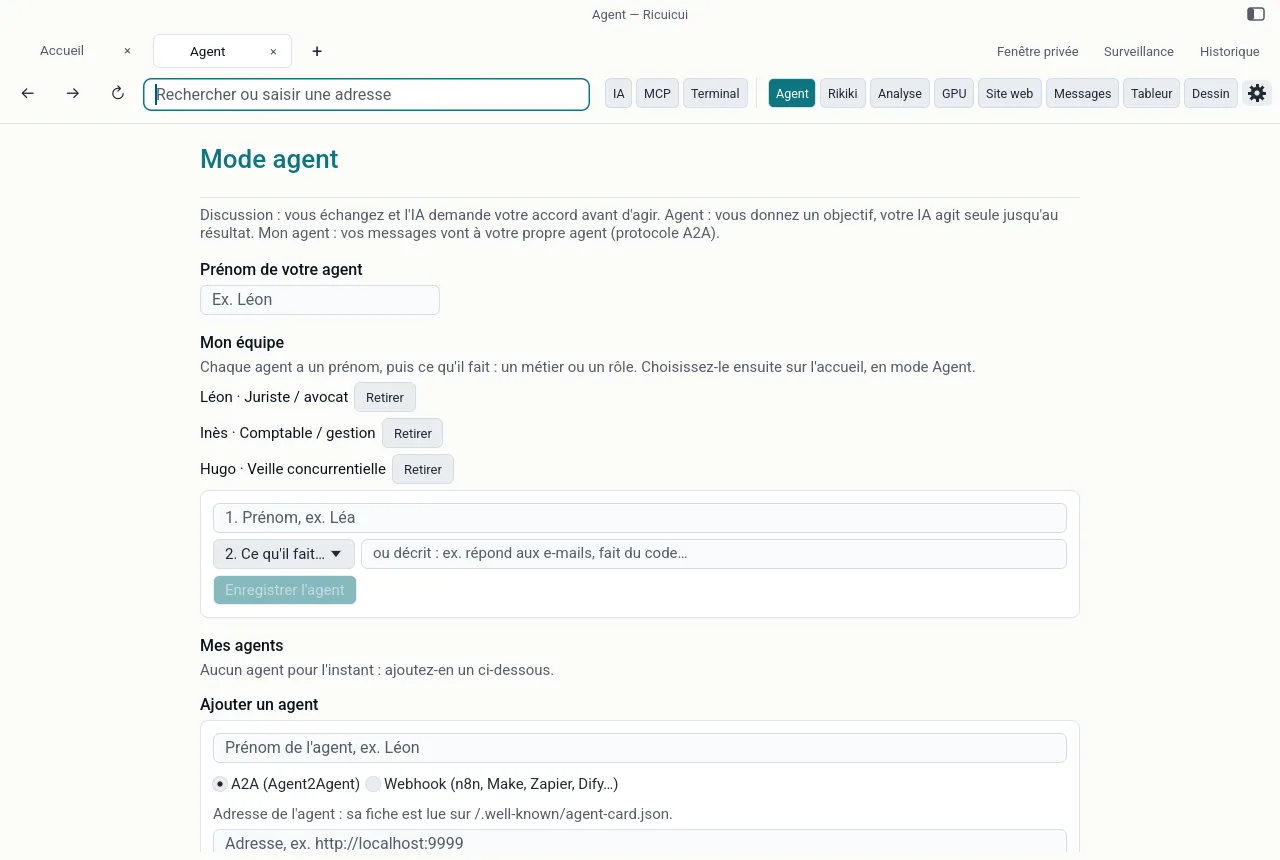
Your agents work locally too: Agent mode, your team of agents each with a first name and a job, the “whole team” orchestrator and scheduled agents.
Ricuicui is a gateway to next-generation tools, without locking you in with one provider. You choose your AI: Claude, GPT, Mistral, DeepSeek, Qwen, OpenRouter, or a model on your graphics card. You plug in MCP servers from the catalogue or the official registry, your own agents through A2A, and your automation tools (n8n, Make, Zapier) by webhook. And your AI apps, from Claude Desktop to Cursor or VS Code, can drive Ricuicui through MCP. What MCP makes possible.
Both. Ricuicui shows your pages like a browser, but above all it coordinates your work. With “The whole team”, an agent makes the plan, hands each task to the best-suited member of your team of agents, then gives you a summary. Scheduled agents run on their own, on a schedule. And the AI draws on your documents, your MCP servers and your in-house agents. Your AI, agents and tools work together, from your computer.
One key per computer, at EUR 12.90 a year, or a pack of 50 keys at EUR 9.99 per key. From your account, “Manage my team” sets allowed AIs, blocked sites and messaging, then produces one settings file per computer, to deploy with Jamf, Intune or a simple script. Your employees cannot change these settings. Ricuicui for businesses.
A local model is excellent for translating, summarising and sorting. For the most complex agent tasks, a large online model is still more reliable, and Ricuicui lets you plug in the one you choose. Ricuicui is on Mac today; Windows is coming soon.
Download Ricuicui for free: save time, and keep your data with you.
Set the goals, share the work between your agents, stay in control: a seven-step guide to directing AI from your computer.
Local AI, a team of agents, scheduled agents: all of Ricuicui Pro for EUR 12.90 per computer per year, with no subscription or API bill.
正文由 探How 从来源站点 RSS 同步,内容未经改写;遇到排版缺失或需要图片、视频时请以原文为准。