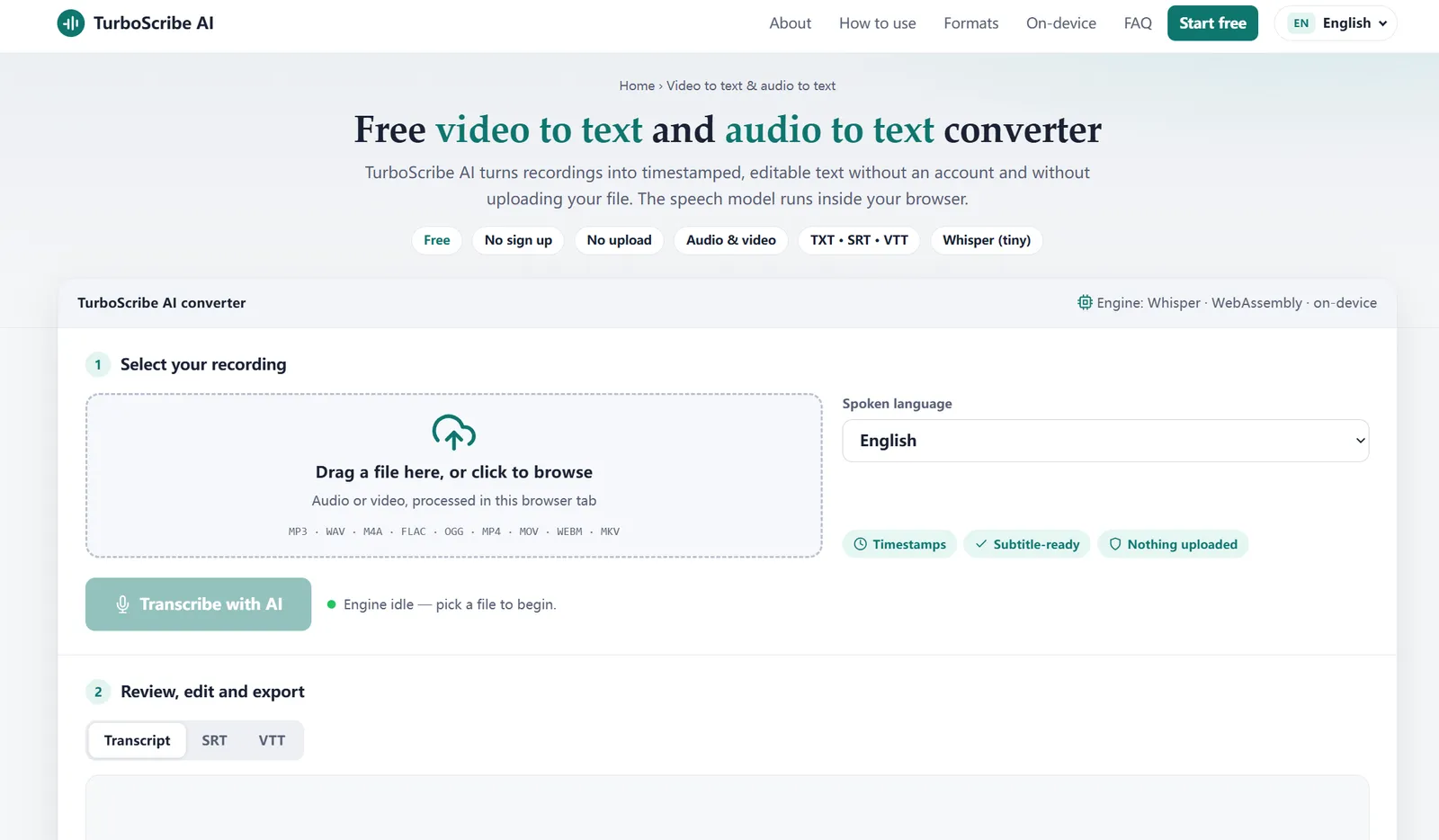
TurboScribe AI: Free video to text and audio to text converter
TurboScribe AI is a free web tool for video to text and audio to text conversion. You give it a recording, it listens with a speech-recognition model, and it returns a transcript split into timed segments that you can e…
以下正文同步自 Hacker News 最新,版权归原站所有,已转换为易读排版。
TurboScribe AI is a free web tool for video to text and audio to text conversion. You give it a recording, it listens with a speech-recognition model, and it returns a transcript split into timed segments that you can edit and export.
The difference from most online transcription sites is where the work happens. Instead of sending your file to a remote server, TurboScribe AI downloads a small Whisper model to your browser once and runs it locally. That is why it needs no account, has no per-minute fee and never receives a copy of your recording.
MP3, WAV, M4A and other audio files become a transcript with a timestamp on every line.
MP4, MOV, WEBM and MKV files have their audio track extracted automatically, then transcribed.
The same timed segments export directly as SRT or VTT caption files.
Many online converters upload your recording to their servers. TurboScribe AI takes the opposite approach. This is what that changes in practice.
The trade-off is honest: a compact browser model is not as strong as a large server model on difficult audio. For clear speech it is quick, private and free.
Pick the format that matches what you plan to do with the transcript.
Here is a short sample of what an SRT export looks like:
1 00:00:00,000 --> 00:00:03,200 Welcome back to the weekly planning call.
2 00:00:03,200 --> 00:00:07,800 Let's start with what shipped last week.
On-device processing: your recording never leaves your device
When you press Transcribe, the browser decodes the audio and a WebAssembly build of the Whisper model converts speech to text on your CPU or GPU. The only thing downloaded from the network is the model and the helper libraries, and they are cached after the first use.
This makes TurboScribe AI a practical choice for recordings you would rather not hand to a third party, such as client calls, internal meetings, legal interviews or unreleased media.
Good to know: because everything runs locally, closing or reloading the tab during a transcription stops it. Keep the tab open until the progress bar reaches 100%.
Transcript quality depends mostly on the recording. These habits make the biggest difference:
Select the spoken language in the converter. English gives the most dependable output; the other languages work, with accuracy that varies by language and audio quality.
Turn recorded calls into notes you can scan for decisions and action items.
Find an exact quote by timestamp instead of replaying the whole interview.
Read lectures as text, search them, and keep captions for revision.
Export SRT or VTT captions for editors and platforms in one step.
Make spoken ideas searchable, editable and easy to share.
Yes. TurboScribe AI is free and needs no account, email address or credit card. The speech model runs on your own device, so there is no per-minute cost to pass on.
No. Your file is decoded and transcribed inside your browser with WebAssembly. Only the speech model itself is downloaded the first time you transcribe; your recording never leaves your device.
Audio: MP3, WAV, M4A, FLAC, OGG, AAC and OPUS. Video: MP4, MOV, WEBM, MKV and AVI. For video, the audio track is extracted automatically before transcription.
Yes. Every transcript is split into timed segments, which you can export as SRT or VTT subtitle files, as a plain TXT file, or copy to the clipboard.
TurboScribe AI uses a compact Whisper-based model chosen for fast in-browser use. It works best on clear, single-speaker speech. Background noise, overlapping voices and strong accents lower accuracy, so review the text and fix lines in the editor before exporting.
There is no server-side limit because nothing is uploaded. Large files are read from disk in ten-minute segments and transcribed in 30-second pieces, so memory use stays modest. Very long recordings simply take longer, and speed depends on your device.
It runs in current mobile browsers, but long recordings are faster and more reliable on a desktop or laptop with more memory.
You can pick the spoken language from 15 options, including English, Chinese, Spanish, French, German, Japanese, Korean, Arabic and Hindi, or leave it on Auto-detect. English gives the most reliable results.
Free, private and ready in your browser. Choose a video or audio file and get a timestamped transcript.
正文由 探How 从来源站点 RSS 同步,内容未经改写;遇到排版缺失或需要图片、视频时请以原文为准。