Show HN: Lcars – a Star Trek journal that changes itself on my orders
A Star Trek console for your journal: one SQLite file, a small HTTP server
以下正文同步自 Hacker News 最新,版权归原站所有,已转换为易读排版。
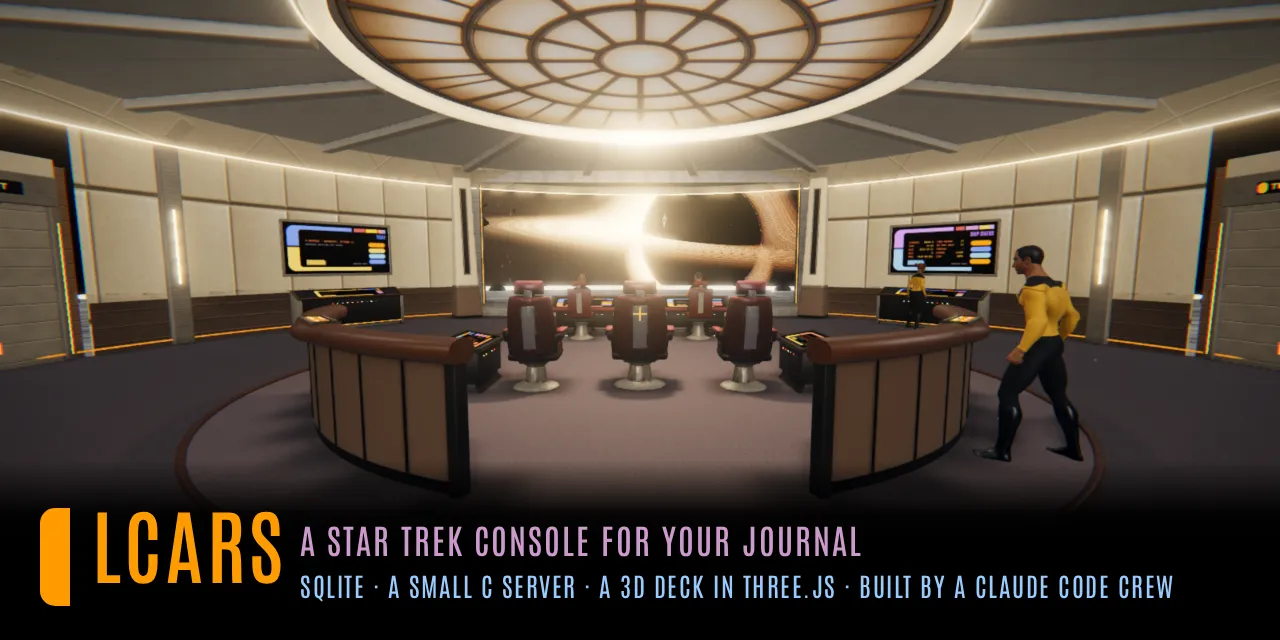
A Star Trek console for your journal: one SQLite file, a small HTTP server in C, and the web console and 3D deck it serves, for one person on a box of their own.
Try it in the browser, nothing installed: the demo (it runs on made-up entries in your browser, and saves nothing to a server).
Built by a crew of Claude Code engineers run by an AI first officer: the rules they work to are CLAUDE.md, their roles crew/, their seat and deploys scripts/engineer.py. How it was made: the blog post.
Download the tarball for your machine from the Releases page, lcars-X.Y.Z-linux-x86_64.tar.gz or lcars-X.Y.Z-linux-arm64.tar.gz, and SHA256SUMS beside it, then:
sha256sum --check --ignore-missing SHA256SUMS tar xzf lcars-X.Y.Z-linux-x86_64.tar.gz && cd lcars-X.Y.Z-linux-x86_64 ./lcars init ~/lcars-data # a data directory, a password, lcars.env; prints the URL and login ./lcars --data ~/lcars-data # open http://127.0.0.1:8080/ui/ and log in
lcars is one static binary: the server, the web console and the deck inside it, and the CLI (lcars-cli beside it is a link to it). The tarball also holds the crew's scripts/ and crew/, this README and the licences. lcars init never overwrites anything: run it again and it says what it left alone. A new journal starts empty; you make kinds as you go, by typing them on an entry.
The user manual starts at site/manual/pages/00-start.md; a running LCARS serves it at /manual (the help's foot links it too).
Settings are KEY=value lines in <data dir>/lcars.env, read at start (the real environment wins). lcars init writes one with the Start keys set and every feature's key commented out with its purpose.
The server speaks plain HTTP. For anything beyond this machine, keep the password set and put a TLS proxy in front (Tailscale serve, Caddy, nginx).
Each feature is off until its settings are there; GET /features (as the owner) lists each one, on or off, and what it lacks.
GET /metrics serves Prometheus text with no setup.
Notes from another app: the engineers can design and build an import from any notes app you keep. Logseq's is built (lcars-cli logseq); Obsidian or another is one order to them away.
[Unit] Description=LCARS [Service] ExecStart=%h/bin/lcars --data %h/lcars-data Restart=on-failure [Install] WantedBy=default.target
systemctl --user enable --now lcars loginctl enable-linger "$USER" # keep it running after you log out
On omarchy
lcars-webapp (omarchy/bin/, the omarchy plugin's own folder; scripts/omarchy/lcars-webapp links to it) sets LCARS up and puts it in omarchy's app launcher as a web app. With no argument it asks which:
scripts/omarchy/lcars-webapp --local # the whole system here scripts/omarchy/lcars-webapp --remote https://HOST # a server elsewhere scripts/omarchy/lcars-webapp --uninstall # the service and launcher gone
--local downloads the latest release and checks it against SHA256SUMS, unpacks it under ~/.local/lib/lcars/<version>/, links ~/.local/bin/lcars and lcars-cli to it, runs lcars init ~/.local/share/lcars (it prints the login), writes a user unit like the one above (--port 8080, on 127.0.0.1) and starts it. --remote asks for the server's login. Both write the address and the login to ~/.config/lcars/env (mode 600; the theme hook and the plugin read it too) and add the launcher with omarchy's omarchy-webapp-install; the login is never in the launcher or its URL, and the browser asks for it once. Run again, it says what it left alone; with a newer release out, --local unpacks it, relinks and restarts. --uninstall stops and removes the unit and the launcher; the journal, the releases and the env file stay where they are. --dry-run prints each step and runs none. At the end it offers to have the console follow omarchy's theme: on yes it links the theme hook, lcars-theme-set beside it, into ~/.config/omarchy/hooks/theme-set.d/ (--uninstall removes the link). By hand, the hook's first lines say how.
A small VPS runs the server on 127.0.0.1 with no public port; tailscale serve gives it HTTPS on the tailnet. Media lives on a Synology NAS, mounted over NFS. The crew runs on systemd user timers, and an iPhone logs entries through the Apple Shortcuts (shortcuts/generate.py --url builds them for your server). Its lcars.env, with placeholders:
LCARS_AUTH_USER=<you> LCARS_AUTH_PASS=<a long password> LCARS_PORT=8080 LCARS_BIND=127.0.0.1 # tailscale serve --bg 8080 proxies to it LCARS_MEDIA_ROOT=/mnt/<nas> # NFS mount of a NAS share, holding media/ LCARS_TZ=<Region/City> DEEPGRAM_API_KEY=<key> LCARS_MAPY_KEY=<key> LCARS_EMBED_URL=http://127.0.0.1:8091/v1/embeddings # scripts/lcars-embed.service LCARS_ENGINEER=1 LCARS_ENGINEER_KEY=<random, 16+ characters> LCARS_NO1_USER=<name> LCARS_NO1_PASS=<random> LCARS_CREW_USER=<name> LCARS_CREW_PASS=<random> LCARS_STEWARD_USER=<name> LCARS_STEWARD_PASS=<random>
ARCHITECTURE.md describes how it all fits together.
sudo apt install build-essential libcurl4-openssl-dev libsqlite3-dev zlib1g-dev make lcars-release # the server, ./lcars (-O3) make lcars-cli # the terminal client, ./lcars-cli make lcars-one # the server with the CLI inside: lcars-one cli ARGS
make check compiles with every warning and writes nothing; lcars-ui/test/run.sh runs the web console's tests (Node, Python and Chromium for the slower stages). CLAUDE.md lists the rest.
The web suite runs two binaries a fresh clone lacks (ignored by git), which run.sh takes from lcars-ui/test/:
MIT (LICENSE). What it carries from others - three.js, meshoptimizer, Leaflet, the CC0 models, and the libraries the static binary links - is listed with each licence in THIRD_PARTY_NOTICES.md.
Not affiliated with Paramount or CBS. LCARS and Star Trek are their trademarks.
正文由 探How 从来源站点 RSS 同步,内容未经改写;遇到排版缺失或需要图片、视频时请以原文为准。