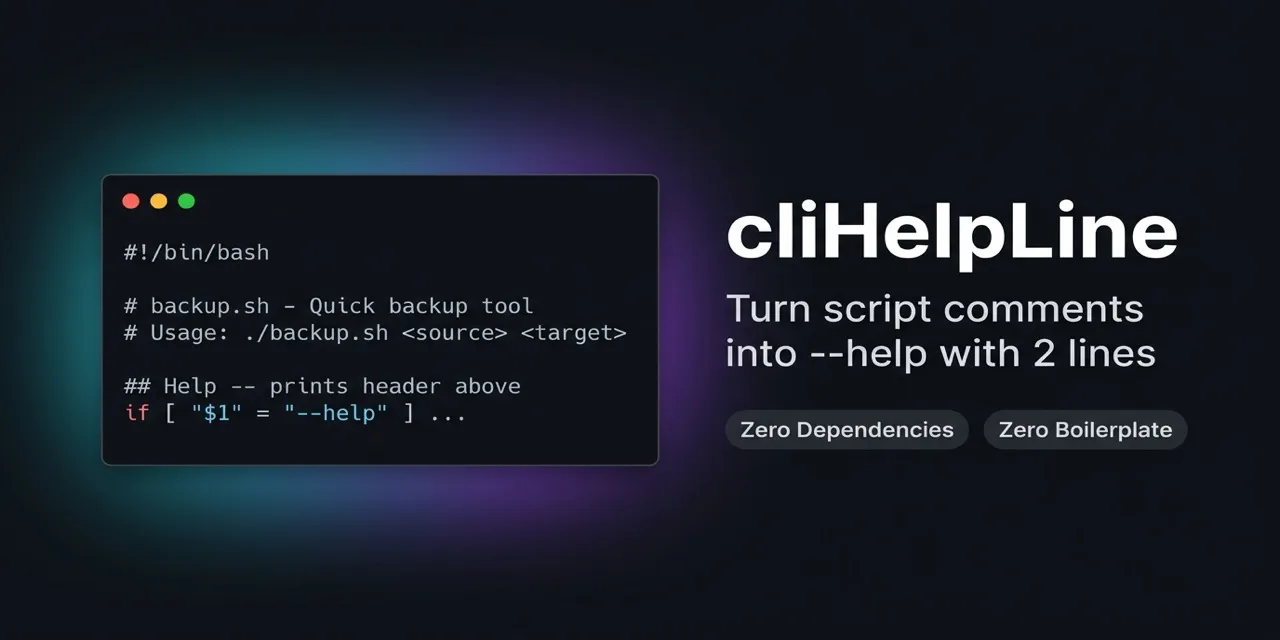
cliHelpLine:用两行代码为脚本添加 --help 帮助输出
来源标题:CliHelpLine – 2-line comment-based –help for scripts
cliHelpLine 通过两行代码就能把脚本头部的注释转换成 --help、-h 和 /? 的帮助输出。该方案零依赖、无需样板代码,支持 Bash、Python、Node.js、TypeScript 等多种脚本语言。思路与 MATLAB、PowerShell 的基于注释帮助一致,让顶部注释自动变成文档。
以下正文由 AI 翻译自 Hacker News 最新(原文版权归原站所有),可能存在偏差,重要内容请以原文为准。
把脚本开头的注释变成 --help、-h 和 /? 的输出,只需两行代码。零依赖、零样板,跨平台支持主流脚本语言。
在 MATLAB 和 PowerShell(Comment-Based Help)这类环境里,写帮助是件轻松事:文件顶部的注释会自动变成文档。cliHelpLine 把这套零开销模式原样带到了 Bash、Python、Node.js、Ruby、TypeScript、Julia、Swift 以及许多其他脚本语言——不需要重量级 CLI 框架,也不需要参数解析库。
在你的脚本(例如 backup.sh)里,写好头部注释,然后跟上这两行代码:
#!/bin/bash
backup.sh - Quick directory backup tool
Usage: ./backup.sh <source> <target>
Help -- prints header above (stops at '##') (see https://github.com/JanAxelsson/cliHelpLine)
if [ "$1" = "--help" ] || [ "$1" = "-h" ] || [ "$1" = "/?" ]; then sed -e '1{/^#!/d;}' -e '/^##/q' -e '/^[[:space:]]*$/d' -e 's/^#//g' -e 's/^ //g' "$0" | sed '$d'; exit 0; fi cp -r "$1" "$2" echo "Backup complete!"
从命令行请求帮助:
./backup.sh --help
干净的帮助文本直接从头部注释显示出来:
backup.sh - Quick directory backup tool Usage: ./backup.sh <source> <target>
FEATURES
零样板、零依赖:不用再为了打印一条用法信息,就引入复杂的参数解析库和沉重依赖(argparse、commander、getopts、yargs、clap)。
单一事实来源:你的文档就放在文件最顶部的代码注释里。
跨平台:开箱即用,支持 Unix 的 --help 和 -h,也支持 Windows 的 /?。
可与进一步的参数解析共存:只拦截帮助请求;正常运行时静默放行,因此你仍可照常解析其他参数。
多语言:在大量脚本语言中无缝工作。
CODE TO USE
把与你的编程语言对应的两行代码,复制粘贴到头部注释之后:
跳转到: AWK · Bash · Batch (.bat) · Crystal · Dart · Elixir · Fish · Groovy · JavaScript · Julia · Lua · Nim · Perl · PHP · PowerShell · Python · R · Raku · Ruby · Sh · Swift · Tcl · TypeScript · Zsh
Help -- prints header above (stops at '##') (see https://github.com/JanAxelsson/cliHelpLine)
BEGIN { for (i in ARGV) if (ARGV[i] ~ /^(--help|-h|/?)$/) { for (a in PROCINFO["argv"]) if (PROCINFO["argv"][a] ~ /^-[fE]$/) f=PROCINFO["argv"][a+1]; while ((getline l < f) > 0) { if (++nr == 1 && l ~ /^#!/ ) continue; if (l ~ /^##/) break; if (l ~ /^#/ || l ~ /\S/) { sub(/^# ?/, "", l); print l } } exit 0 } }
重要:脚本第 1 行必须使用 #!/usr/bin/env -S gawk -E(-E 标志可防止 AWK 拦截 --help,且需要 gawk 的 PROCINFO 才能让脚本定位自身文件)。macOS 上通过 brew install gawk 安装;Linux 上 gawk 通常是标配。
Help -- prints header above (stops at '##') (see https://github.com/JanAxelsson/cliHelpLine)
if [ "$1" = "--help" ] || [ "$1" = "-h" ] || [ "$1" = "/?" ]; then sed -e '1{/^#!/d;}' -e '/^##/q' -e '/^[[:space:]]*$/d' -e 's/^#//g' -e 's/^ //g' "$0" | sed '$d'; exit 0; fi
cliHelpLine.bash · ↑
REM REM Help -- prints header above (stops at 'REM REM') (see https://github.com/JanAxelsson/cliHelpLine) (for %%H in (--help -h) do if /i "%~1"=="%%~H" set "h=1") & (if "%~1"=="/?" set "h=1") & if defined h (powershell -NoProfile -Command "Get-Content '%~f0' | ForEach-Object { if ($ -match '^REM REM') { exit 0 }; if ($ -match '^REM') { $ -replace '^REM ?','' } }" & exit /b 0)
重要:Windows 批处理文件第 1 行应以 @echo off 开头,这样正常执行时头部注释不会被回显到终端。如果你希望脚本主体执行时回显命令,只需在这段代码后面加上 @echo on。
Help -- prints header above (stops at '##') (see https://github.com/JanAxelsson/cliHelpLine)
if (ARGV & ["--help", "-h", "/?"]).any?; File.each_line(FILE) { |l| next if l.starts_with?("#!"); break if l.starts_with?("##"); puts l.starts_with?("#") ? l.sub(/^# ?/, "") : l if l.starts_with?("#") || !l.strip.empty? }; exit 0; end
cliHelpLine.cr · ↑
//// Help -- prints header above (stops at '////') (see https://github.com/JanAxelsson/cliHelpLine) import 'dart:io'; void main(List<String> a) { if (a.any(['--help', '-h', '/?'].contains)) { for (var l in File(Platform.script.toFilePath()).readAsLinesSync()) { if (l.startsWith('#!')) continue; if (l.startsWith('////')) exit(0); if (l.startsWith('//')) print(l.replaceFirst(RegExp(r'^// ?'), '')); else if (l.trim().isNotEmpty) print(l); }; exit(0); }
cliHelpLine.dart · ↑
Help -- prints header above (stops at '##') (see https://github.com/JanAxelsson/cliHelpLine)
if Enum.any?(System.argv(), &(&1 in ["--help", "-h", "/?"])), do: (File.stream!(ENV.file) |> Enum.reduce_while(nil, fn l, _ -> cond do; String.starts_with?(l, "#!") -> {:cont, nil}; String.starts_with?(l, "##") -> {:halt, nil}; String.starts_with?(l, "#") -> IO.write(Regex.replace(~r/^# ?/, l, "")); {:cont, nil}; String.trim(l) != "" -> IO.write(l); {:cont, nil}; true -> {:cont, nil}; end end); System.halt(0))
cliHelpLine.exs · ↑
Help -- prints header above (stops at '##') (see https://github.com/JanAxelsson/cliHelpLine)
if contains -- "$argv[1]" --help -h '/?'; sed -e '1{/^#!/d;}' -e '/^##/q' -e '/^[[:space:]]*$/d' -e 's/^#//g' -e 's/^ //g' (status filename) | sed '$d'; exit 0; end
cliHelpLine.fish · ↑
//// Help -- prints header above (stops at '////') (see https://github.com/JanAxelsson/cliHelpLine) if (args.any { it in ["--help", "-h", "/?"] }) { new File(getClass().protectionDomain.codeSource.location.path).eachLine { l -> if (l.startsWith("#!")) return; if (l.startsWith("////")) System.exit(0); if (l.startsWith("//")) println(l.replaceFirst("^// ?", "")); else if (l.trim()) println(l) }; System.exit(0) }
cliHelpLine.groovy · ↑
//// Help -- prints header above (stops at '////') (see https://github.com/JanAxelsson/cliHelpLine)
(原文较长,此处译出前 6000 字,完整内容请点「打开原文」。)
正文由 探How 从来源站点 RSS 同步,内容未经改写;遇到排版缺失或需要图片、视频时请以原文为准。