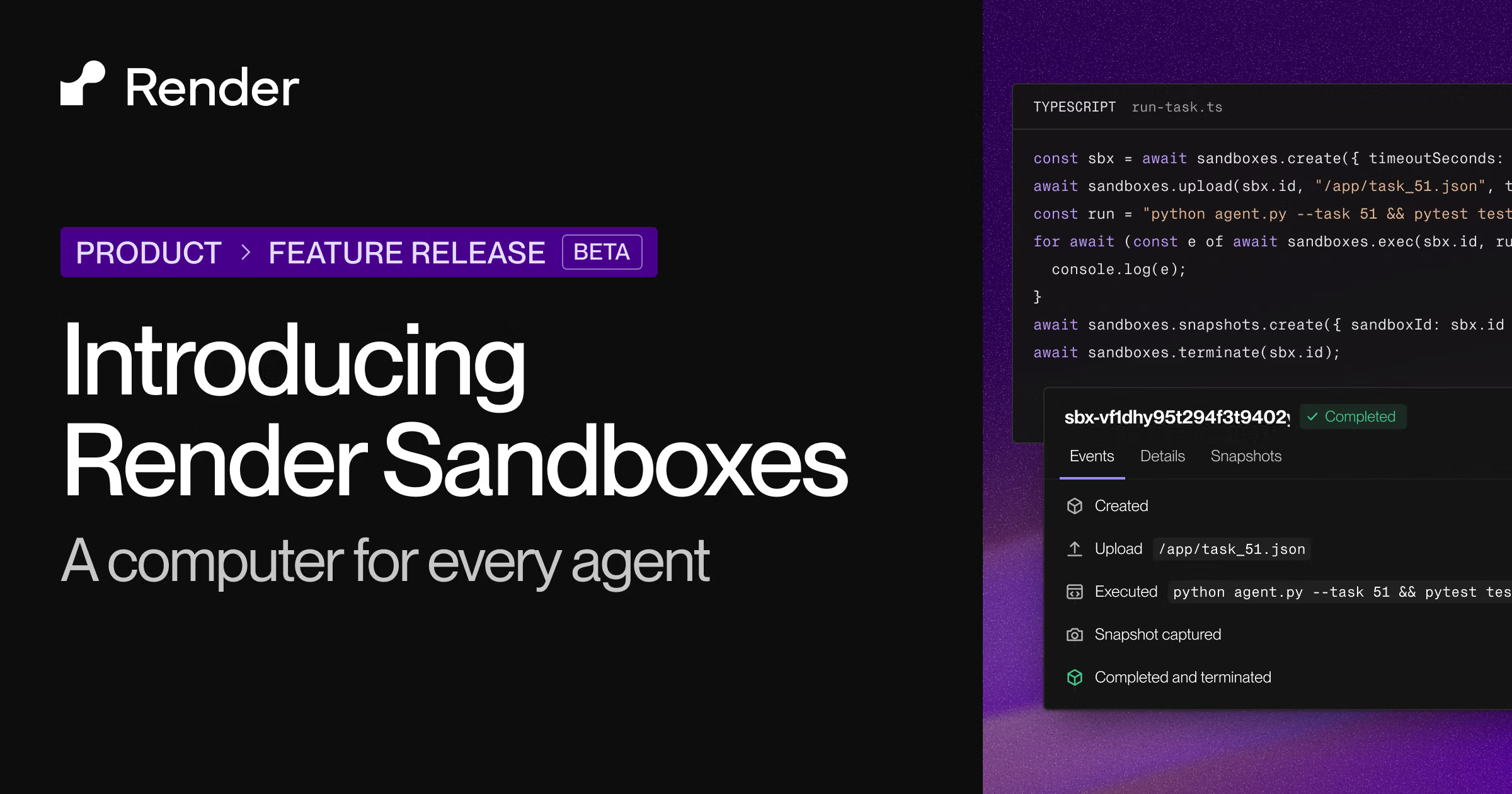
Render Sandboxes
Introducing Render Sandboxes: a computer for every agent.
以下正文同步自 Hacker News 最新,版权归原站所有,已转换为易读排版。
Introducing Render Sandboxes: a computer for every agent.
Product
Agent execution
Sandboxes
Beta
Give agents an isolated computer
Workflows
Orchestrate dynamic background work
Core compute
Web services
Host dynamic web apps at a public URL
Private services
Host apps for internal traffic
Background workers
Offload asynchronous jobs
Cron jobs
Schedule recurring workloads
Static sites
Deploy websites for free, forever
Managed data
Shared filesystems
Early Access
Share persistent files across sandboxes
Postgres DBs
Run enterprise-grade DBs at scale
Key Value stores
Provision Redis-compatible datastores
Persistent disks
Preserve filesystem changes for services
Ship faster
Native runtimes
Full-stack PR previews
Zero-downtime deploys
Infrastructure-as-code
Scale and secure
Automatic private networking
Load-based autoscaling
DDoS protection
HIPAA applications
Solutions
Use cases
Render + Coding Agents
By company
Startups
HIPAA Compliance
Customers
How OpenAI’s DX team builds breakout apps on Render
All customer stories →
Migrate
Migration Credits
Heroku Migration Guide
Railway Migration Guide
Resources
Build
Templates
Framework Quickstarts
Community
Find a Render Expert
Stay current
Changelog
Status
Blog
How Render Workflows powers our internal data pipeline
Read the blog →
Company
About Us
Careers
Newsroom
Brand Kit
Security
Contact
Docs
Pricing
Migrate to Render
Sign in
Get started
Blog / Product
· Yaroslav Borets, Ammar Aijazi, and Azzam Aijazi
Today we’re launching Render Sandboxes in public beta. Render Sandboxes let you safely give your agents a computer to work with: a fully isolated Linux environment where they can install dependencies, edit files, and run code.
Each sandbox starts quickly, runs indefinitely, and automatically suspends when idle. You can reliably run thousands at once and lock down what each one can reach. You’re billed for CPU only when your agents are actually using it.
Render Sandboxes work with any agent harness and model. You can operate sandboxes through the TypeScript or Python SDK, or the Render CLI.
Agents need a computer of their own
Agents doing complex work need a separate machine for each task or user, isolated from your app and from each other. And since agent work comes in bursts, those machines need to start and stop with demand.
A web service isn’t built for this. Its instances stay up and serve all your users, and a new deploy can take minutes.
Render Sandboxes give each user or task its own machine the moment it’s needed. Each sandbox runs in its own Firecracker microVM.
Built to handle long-running work
Render Sandboxes can run indefinitely, so an agent on a multi-day task like a codebase migration keeps its running app, processes, and memory the whole time.
Each sandbox starts from an image: Render’s default, or a custom image that already includes your agent harness, dependencies, and configuration. From there, two types of snapshots can capture its progress:
By default, when a sandbox idles without a command, Render automatically snapshots and suspends it, and then wakes it back up on the next command. Importantly, you don’t pay for CPU or memory while a sandbox is suspended. (The default idle timeout of 15 minutes is configurable, and auto-suspend is optional.)
With the TypeScript and Python SDKs, you can also snapshot a sandbox yourself and restore it in a new one later:
Keep each sandbox secure
Agents often need network access and API keys to do useful work. Render Sandboxes let you grant them both, while controlling where each sandbox can send data and the keys it can see. This helps protect against situations such as an agent falling for a prompt injection attack, or unknowingly running malicious code.
Each sandbox has its own outbound network policy: allow all traffic, allow only a list of domains, or block outbound traffic entirely.
Render Sandboxes also support credential brokering, which keeps your API keys out of the sandbox entirely. Code inside the sandbox sends requests without credentials, and a broker outside the sandbox safely adds the right key or token as each request leaves for an allowed domain. This means a prompt injection attack can’t result in leaked keys.
You can also create scoped API keys with only the permissions a task needs, like managing sandboxes without access to your other services. That means you don't need to worry about (for instance) your agent mistakenly deleting your database because it can manage sandboxes.
Credential brokering and scoped API keys are currently in early access and are being rolled out to more customers. To request access, fill out the credential brokering form and/or the scoped API keys form.
Pay for the CPU your agent actually uses
A running sandbox is billed for actively-used CPU (not simply provisioned CPU), as well as memory allocated to it. That means waiting on a model or a person doesn’t cost you CPU time.
Once a sandbox is suspended, the memory charge stops too, and you pay only for its snapshot storage.
Render Sandboxes are available in Oregon on all workspace plans. See the pricing page for more.
Scale reliably from one sandbox to thousands
While sandboxes are new to Render, reliably spinning up isolated environments on demand is not. Render already does this for every build, more than one million times a day.
Drawing on that experience, we built Render Sandboxes to hold up whether you run one sandbox or thousands. Each one is typically ready for its first command in under one second; even faster when it’s restored from a snapshot. Expect startup time to improve through the beta.
Your sandboxes run next to the rest of your app
Your sandboxes live in the same Render workspace as the web services, background workers, and databases that make up the rest of your app. You manage them with Render API keys, through the Render CLI or the same SDK you’d use for Render Workflows, and they’re billed alongside your other Render services. There’s no extra provider to manage.
Inside a sandbox, agents can use Docker and Docker Compose to start a copy of your app and its database side by side, then test their changes before you deploy.
Render Sandboxes also pair well with Render Workflows. You can use Workflows for the steps that should happen the same way every time, like fetching inputs, calling a model, and saving the output. Sandboxes are best suited to the non-deterministic part, where the agent decides what to do next and needs its state to carry over between runs.
Get started
To try Render Sandboxes in code, install the TypeScript SDK with npm install @renderinc/sdk or the Python SDK with pip install render, set RENDER_API_KEY and RENDER_WORKSPACE_ID in your app's environment, and run your first command in a sandbox:
For the full SDK and CLI reference, see the Sandboxes docs. To run Claude Managed Agents, Cursor Cloud Agents, or the OpenAI Agents API in a sandbox, follow our setup guides.
What's next
Render Sandboxes are in public beta today. On the way to general availability, we're working on:
As agents become part of more products, giving each one a computer should be the easy part. We’re excited to see what this helps you build.
正文由 探How 从来源站点 RSS 同步,内容未经改写;遇到排版缺失或需要图片、视频时请以原文为准。