Grip – a Git hook that won't let me push code I can't explain
A git hook that won't let you push code you can't explain.
以下正文同步自 Hacker News 最新,版权归原站所有,已转换为易读排版。
A git hook that won't let you push code you can't explain.
Before your code leaves your machine, grip reads the diff and asks you about it: why it is built this way, where it fails, what a malicious caller could do, how you know it works. In the terminal, or on a whiteboard of your change in the browser. A model grades your answers out of 100. Below your team's pass mark, the push waits.
It checks the developer, not the code. Let AI write it; just be able to defend it.
"If I ask 'why did you do X instead of Y?', 'what happens if this actor behaves maliciously?' [...] you should be able to answer confidently." Mitchell Hashimoto, on the whiteboard defense (not affiliated with grip)
No hook, no account, no API key: the fake provider asks scripted questions offline.
pipx install grip-hook # or: uv tool install grip-hook mkdir try-grip && cd try-grip && git init -q echo 'def add(a, b): return a + b' > math.py && git add math.py grip quiz --provider fake # five questions in your terminal grip whiteboard --provider fake # the same, drawn in your browser
Nothing is blocked until you install the hook with grip init.
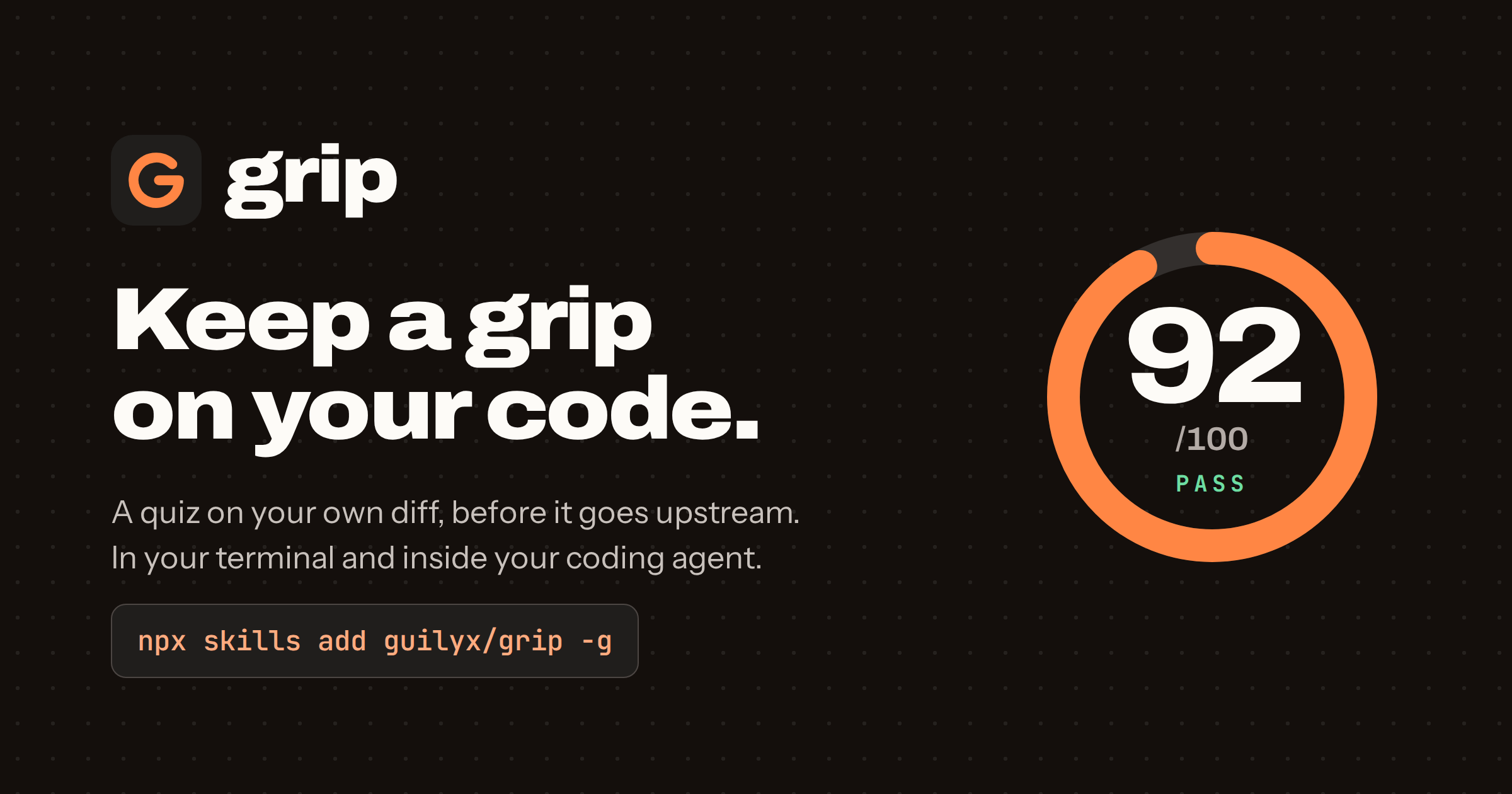
Five questions from your diff, graded against a hidden rubric into a Grip Score out of 100. Never line numbers or trivia.
grip whiteboard: your change drawn as parts and arrows in the browser, with the questions pinned to it, including what a malicious actor could do. Set hook_mode = "whiteboard" and every push is defended there.
Works with what you have: reuse Claude Code, Codex or Gemini CLI as the model (no API key), or use Anthropic, any OpenAI-compatible API, or Ollama locally.
Inside coding agents: /grip in Claude Code, Codex, Gemini CLI, Cursor and others, and a gate that keeps the agent from pushing until you pass.
Out of the way when it should be: a passed diff is remembered, a retry reuses its questions so only grading costs a call, grip skip lets one push through, CI and non-interactive runs are skipped.
Installation
pipx install grip-hook # or: uv tool install grip-hook
Python 3.11 or newer, on Linux, macOS or Windows. This installs the grip command and a git grip alias.
cd your-repo grip init # writes .grip.toml, installs the pre-push hook git push # grip asks five questions first
grip init picks Claude Code, Codex or Gemini CLI as the model when one is installed. Otherwise set ANTHROPIC_API_KEY, or see Providers.
grip quiz # quiz your staged changes now, no hook needed grip quiz --branch # quiz the whole branch since main: your pull request grip whiteboard # defend the change in the browser grip quiz --provider fake # try it offline with a scripted grader grip skip # let the next push through grip status # hooks, last score, configuration
The walkthrough follows one real change from git commit to an accepted push.
.grip.toml at the root of the repository, committed so the team shares one bar:
passing_score = 70 # 0-100 difficulty = "normal" # easy | normal | hard provider = "claude-code" # auto | anthropic | claude-code | codex | gemini | openai | ollama
Every option, environment variables and the pre-commit framework hook are in the configuration reference.
guilyx.github.io/grip: getting started, a walkthrough, coding agents, the whiteboard, how grip works inside, and the honest numbers on what the score does and does not measure.
Issues and pull requests are welcome. See CONTRIBUTING.md for the development setup and SECURITY.md for reporting vulnerabilities and what data grip sends. This project follows a code of conduct.
If grip is part of a study or a course, please cite it; GitHub's "Cite this repository" button reads CITATION.cff.
BSD-3-Clause. Copyright (c) 2026, Erwin L.
正文由 探How 从来源站点 RSS 同步,内容未经改写;遇到排版缺失或需要图片、视频时请以原文为准。