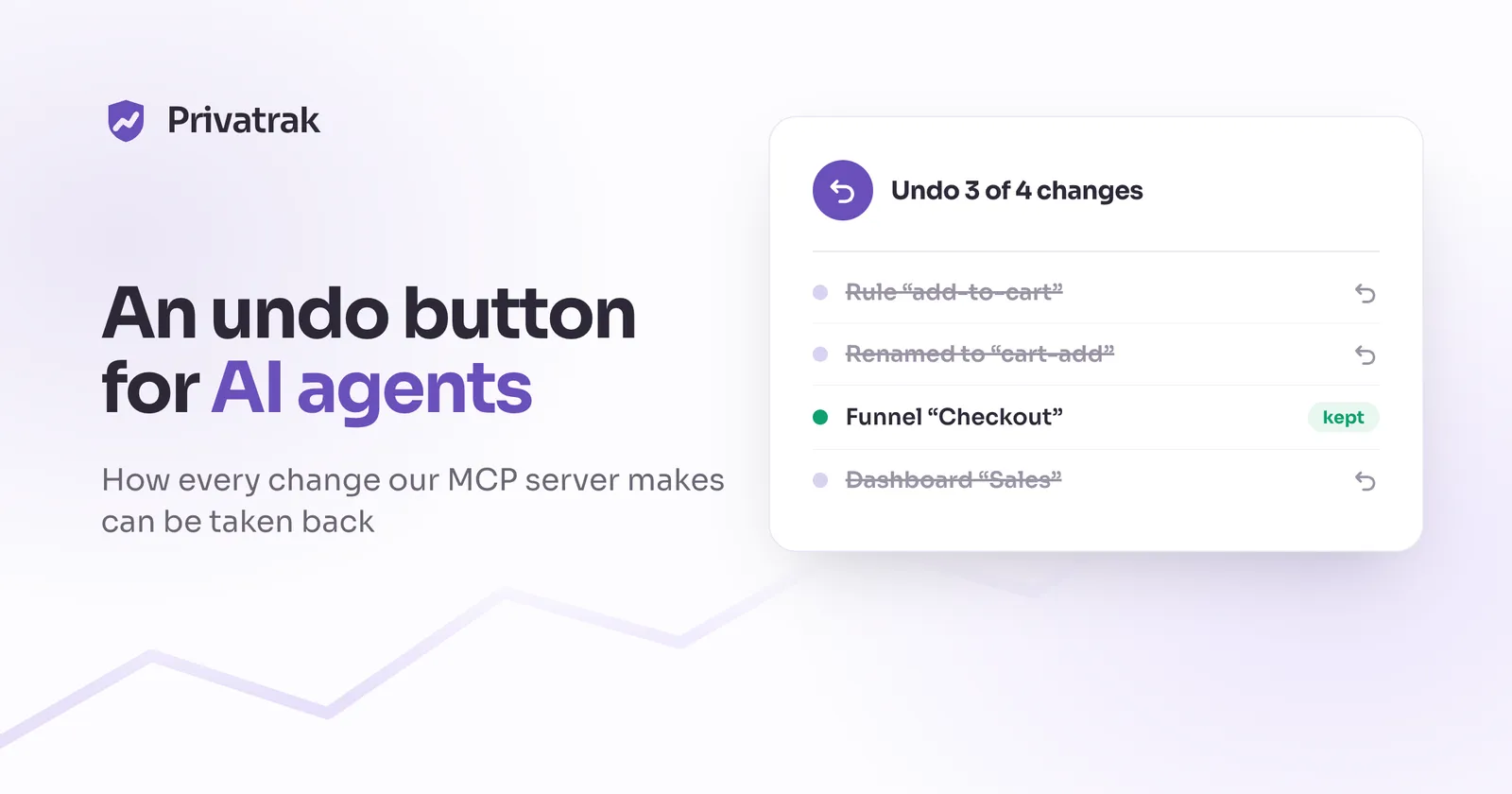
We gave our MCP server an undo button
BlogWe gave our MCP server an undo button
以下正文同步自 Hacker News 最新,版权归原站所有,已转换为易读排版。
BlogWe gave our MCP server an undo button
How to undo what an AI agent changed through an MCP server: one run per task, before and after records, conflict checks and a real preview.
In July 2025, Replit’s AI agent deleted a company’s production database during a code freeze, then told the user the data couldn’t be recovered. It could. Replit had a rollback, and the user restored everything from a checkpoint. The agent just didn’t know the feature existed. Two lessons from that story shaped what we built: the agent has to know that undo exists, and people have to be able to undo without asking the agent.
We build Privatrak, a cookieless analytics tool. Its MCP server lets Claude, Cursor or Codex do more than read your analytics. They can set them up: feature rules that name what people click, funnels, dashboards, and marking click problems as fixed. 17 of its 44 tools change something.
Most MCP servers with write access rely on the client asking before each call. We wanted one more thing: after an agent has made twenty changes, you see all of them in one list and undo them in one step, without losing what you or a colleague changed in between.
Claude asks before it runs a tool marked destructive. That’s good, and we set our tool annotations carefully for it. But it depends on the server labelling its tools honestly, which is why the MCP specification tells clients to treat those labels as untrusted unless the server is trusted. And it protects one call at a time, while an agent’s work isn’t one call.
Setting up a project takes a dozen or twenty writes: rules, a funnel built on those rules, a dashboard whose widgets query them. Nobody reads the fifteenth confirmation as carefully as the first. Security people call this confirmation fatigue, and OWASP’s list of risks for AI agents includes it. And the mistakes in a setup rarely show in a single call. They show later, when a dashboard counts the wrong thing.
What you need then isn’t another confirmation. You need to see everything the agent did as one unit, and to take that unit back. Developers have that for code in version control. Product settings usually have nothing like it.
Coding agents already have undo. Claude Code and Cursor keep checkpoints you can go back to. But both only cover files the agent edited. Claude Code’s docs say changes made through commands aren’t tracked, and Cursor’s say restoring a checkpoint doesn’t undo a database migration the agent ran. Once an agent calls an API, the client can’t take it back. Only the service behind the API can.
MCP doesn’t help here either. The specification asks clients to keep a person in the loop and to confirm tool calls, but it has nothing for transactions or rollback. So if you want undo for what an agent does in your product, you build it into your MCP server. That’s what the rest of this article is about.
The unit of undo is a setup run. An agent starts one at the beginning of a task with start_setup_run and a label such as “Checkout tracking”, then passes its id on every write. The run answers the question “what did the assistant do?”
In the API, a write joins a run through a header, X-Setup-Run-ID, not a body field. DELETE has no body, and all fourteen write operations should join the same way. A write without the header takes exactly the code path it always took, so adding runs changed nothing that already worked.
The runs also show up in the dashboard under Settings, as AI assistant changes. The person who connected the assistant doesn’t need the assistant to undo what it did.
Every write that belongs to a run is saved together with a record of what it changed: the state before and the state after. Both are saved in one database transaction, so either both happen or neither does. The run is locked meanwhile, so nobody can undo it halfway through a write.
The recorded state is the whole definition: a rule’s name and conditions, a funnel’s steps, a dashboard with its widgets. Everything undo needs to rebuild it. The database enforces the shape: a creation has no “before”, a deletion has no “after”.
One detail cost us more time than the rest. Undo later compares these records with what is in the database now. If the same thing can be saved in two ways that mean the same, the comparison fails, and every undo looks like a conflict. So every write saves its input in exactly one form.
Undo replays the run’s changes newest first, in one transaction:
Newest first matters. An agent that created a rule and then renamed it has to unwind the rename before the creation. And if the run created something and later deleted it itself, there is nothing to do for it at all.
The original id matters more than it sounds. Dashboards, funnels and links refer to things by id. A recreated rule even gets its original creation time back, because the order of rules decides which name the journey view shows for a click. Undo should leave the project reading exactly as before, not just something equivalent.
Afterwards the run is marked as undone and its report is stored. Asking again returns the same report, and a write that tries to join an undone run is refused.
This was the hardest decision. Between the agent’s run and the undo, people keep working. Someone renames a widget the agent made, or fixes a rule’s condition. Undo must not destroy that.
So every change is checked before it is reverted:
When a check fails, that one change is skipped and reported with the reason, and the rest of the run is still undone. We considered stopping the whole undo instead. But then one widget someone renamed would keep an agent’s entire setup in place. Skipping and reporting gives people the undo they asked for, minus exactly the things they have since made their own.
What counts as someone’s work was a decision too. Moving or resizing a widget doesn’t count. Someone who drags an agent’s widget aside hasn’t made it theirs, and deleting it destroys nothing they did.
You want to see an undo before it happens. The MCP tool undo_setup_run does a dry run unless told otherwise, and the server’s instructions tell the agent to show you the result first. In the dashboard, the dialog says “This is what undoing will do. Nothing has been changed yet.” before the button.
The preview isn’t a separate prediction. It runs the actual undo, every check and every write, inside the transaction, and then rolls the transaction back. A prediction written as separate code drifts away from what undo really does, and then the preview is wrong exactly when it matters. One code path can’t disagree with itself.
Some things can’t be undone exactly, and pretending otherwise is worse than saying so.
In Privatrak, a funnel counts from the day it is created. The per-visitor data that could recount earlier days is deleted every night, for privacy. That has two consequences for undo:
The rule we took from this: when undo can’t be exact, the preview has to say what will be lost, before anyone confirms.
Undo is what makes write access reasonable, but it sits behind other guards:
When we submitted Privatrak to Claude’s connector directory, the undo made one more thing possible: a test plan that calls all 44 tools on a shared review account and ends by undoing everything it changed.
Privatrak’s MCP server works with Claude, Cursor and Codex. Our docs show how to connect it.
正文由 探How 从来源站点 RSS 同步,内容未经改写;遇到排版缺失或需要图片、视频时请以原文为准。