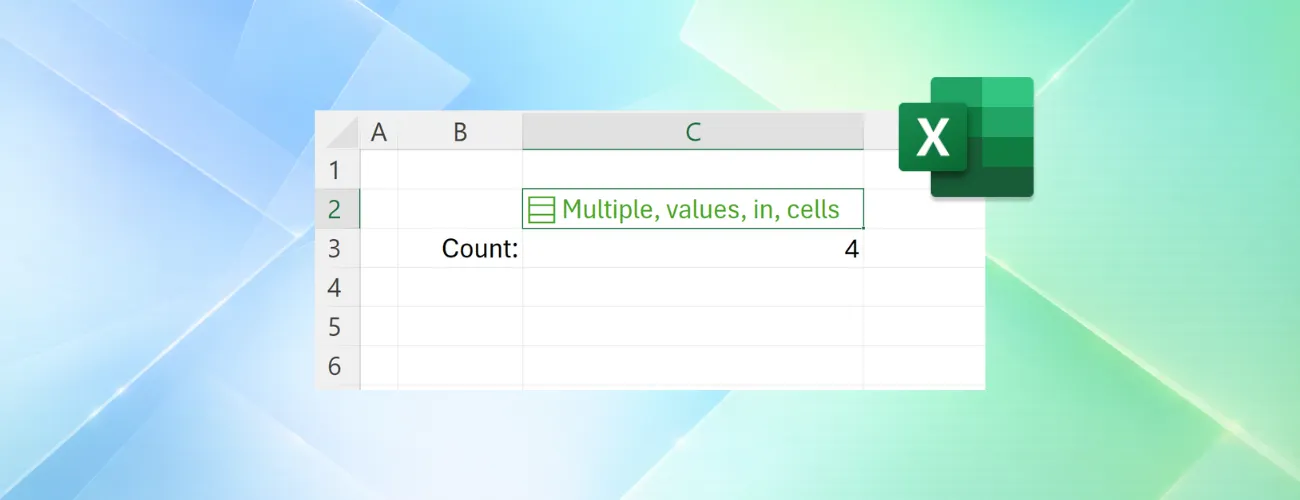
Excel now supports multiple values in a single cell
Related: https://techcommunity.microsoft.com/blog/microsoft365insider...
以下正文同步自 Hacker News,版权归原站所有,已转换为易读排版。
Project trackers, surveys, inventory lists, and customer databases often contain related information that belongs together: multiple owners, tags, locations, or responses.
For years, organizing that information in Excel meant spreading it across additional rows and columns or combining everything into text that was difficult to work with.
Available today in Insiders Beta, lists, arrays in cells, and nested arrays introduce new ways to store and organize related information, helping you keep data together without sacrificing filtering, calculations, or analysis.
Let's explore these new functionalities in the context of a project tracker.
Each project may have multiple owners, workstreams, and milestones. Traditionally, you'd need separate columns, helper tables, or text like "Carlos, Henrietta, Jacob" packed into a single cell.
With lists, you can keep those values together in one cell while still working with each item individually. Project owners stay connected to the project they belong to, while remaining available for filtering, calculations, and analysis.
Keeping project owners together is just the beginning.
Projects often contain other groups of related information, such as milestone dates, deployment locations, or open risks. Often, that information is generated by formulas rather than entered manually.
Traditionally, formulas that returned multiple results would spill those results across multiple cells. With arrays in cells, those results can remain together in a single cell while still being available for calculations and analysis.
Sometimes the information associated with a project has structure of its own.
For example, a website launch may include separate design, development, and testing workstreams, each with its own set of milestones. Nested arrays help preserve those relationships, keeping milestone groups tied to the workstream they belong to rather than combining everything into a single list.
This creates a more natural way to organize and work with complex information in Excel.
We've also added new functions designed to help you search, validate, and reorganize this data.
Together, these capabilities expand the kinds of information Excel can represent and work with, making it easier to model real-world data while keeping related information organized. Whether you're managing projects, analyzing survey responses, tracking certifications, or organizing product data, you can keep related information together without giving up the flexibility to filter, calculate, and analyze it.
For more in-depth information about lists, arrays in cells, nested arrays, and the new functions, learn more here: Put multiple values in one cell with lists and arrays in Excel | Microsoft Community Hub
Learn more about joining Insiders Beta to get access to these tools today here >
正文由 探How 从来源站点 RSS 同步,内容未经改写;遇到排版缺失或需要图片、视频时请以原文为准。