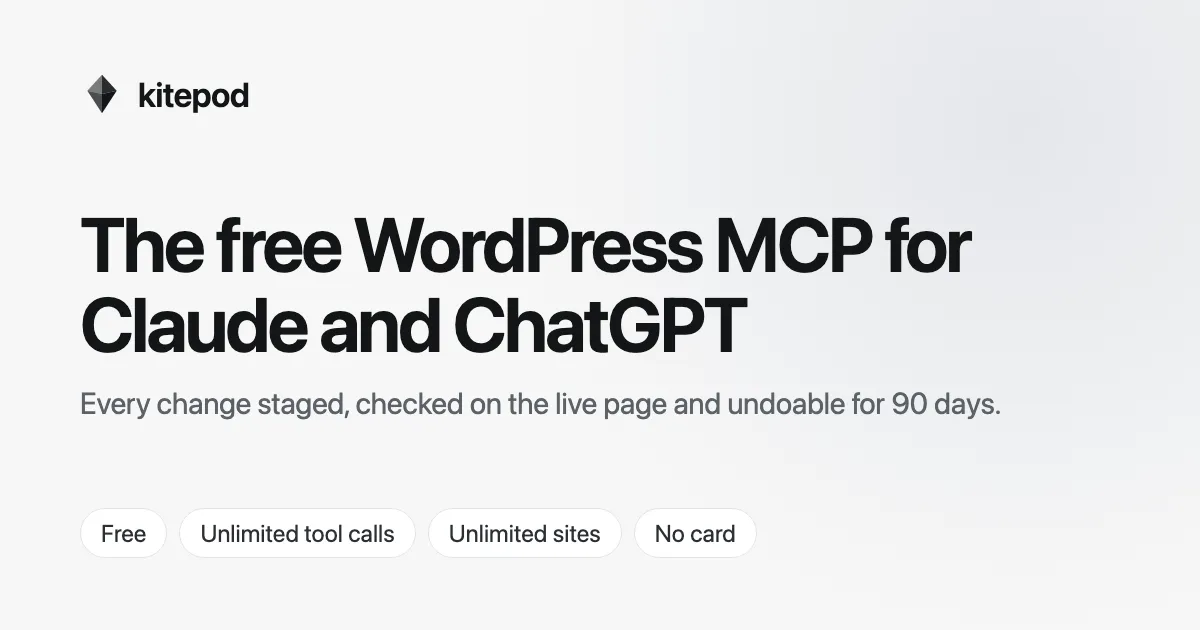
Show HN: Kitepod – A free WordPress MCP with staging, approvals and undo
kitepodWhy it's freeFAQSign inStop paying
以下正文同步自 Hacker News 最新,版权归原站所有,已转换为易读排版。
kitepodWhy it's freeFAQSign inStop paying for your WordPress MCP
You already pay for Claude or ChatGPT. Kitepod connects it to every WordPress site you run, free, with no daily cap. Every change it makes can be undone.
Unlimited tool calls
Unlimited sites
No card
Approval needed
kitepod wants to
Publish “Spring Sale” page
ApproveDecline
sweetcrumb.bakery
Fresh every morning
Verified live
98
Site health
Claude
Tighten the pricing page copy and swap the hero photo
Done. 3 edits staged, preview link ready.
front-page.htmlstaged
<h2>Free shipping</h2>- <p>On orders over $50</p>
- <p>On orders over $35</p>
<a href="/shop">Shop now</a>
- <span class="badge">New</span>
Claude
Tool calls left
Unlimited. Really.
Undone.
14 changes restored, byte for byte
Client review
DDana approved
Homepage refresh · 2m ago
Works with the assistant you already pay for
ClaudeChatGPTCursorClaude Code
and writes in the format your builder expects
No SSH, no application passwords pasted into a chat, no new AI subscription. A plugin on your site and one URL in your assistant.
kitepod.zip
Plugins → Add New → Upload
Step 1
Install the plugin
Upload the Kitepod plugin to your WordPress site. WordPress 6.4+ and PHP 7.4+, any host.
Click Connect in wp-admin and pick which WordPress user the AI acts as. It never gets more power than that user has.
kitepod.com/mcp
Add a FAQ section to the pricing page
Step 3
Ask your assistant
Add kitepod.com/mcp as a connector in Claude, ChatGPT or Cursor. Then just say what you want changed.
Kitepod gives your assistant the whole of WordPress, with the guardrails a real site needs.
Pages, posts and media
Write, edit, schedule and organise content, menus, terms and images.
“Turn these meeting notes into a blog post with a featured image”
Design and themes
Global styles, templates and theme files, edited in a draft you preview first.
“Make the header sticky and the buttons rounder”
Page builders
Native Elementor, Divi, Bricks and more, so pages still open in their editor.
“Duplicate the services page in Elementor for our new location”
WooCommerce
Products, prices, stock and coupons, staged for review before they go live.
“Put everything in Summer at 20% off until Sunday”
SEO
Titles, meta descriptions, redirects and schema, through Yoast or Rank Math.
“Write meta descriptions for every post that is missing one”
Code and snippets
Snippets are created switched off. Turning one on needs a person's approval.
Plugins and updates
Install, update and roll back plugins and themes, with a checkpoint before each.
“Update every plugin on all three sites and tell me what changed”
Database and WP-CLI
Read freely. Writes, search-replace and PHP need an approval first.
“Find every page still linking to the old domain”
An AI with write access is only useful if you can trust it. Kitepod keeps a record of everything it touches, and a way back.
Staged first
Risky edits land on a preview, not your live page. Share the link, look it over.
Checked on the live page
After a change goes out, Kitepod loads the page and screenshots it, before and after.
Approved by a person
Anything that touches code, users or the database waits for you or your client. The AI can't approve itself.
Undo for 90 days
Every write is snapshotted. Undo one edit, a whole task, or a whole session.
Updated page “Pricing”Live
Replaced hero imageLive
Enabled snippet “Sticky header”Waiting for approval
Before
After
Undo allApprove snippet
For freelancers and agencies
Built for people who run other people's sites
Let Claude do the edits your clients send you at 6pm, without ever wondering what it touched.
Clients approve their own changes
Invite a client to just their site as an approver. They get an email, look at the preview, and click approve.
One chat, every site
Every connected site is in the same conversation, so “update the plugins everywhere” is one request.
A trail you can show
Who asked, what changed, who approved it and when. Hash-chained on the site and in Kitepod.
WPVibe's free plan stops at 100 tool calls a day, and its Pro plan at 500. A real redesign takes hundreds. Kitepod doesn't count them, and doesn't charge for them.
kitepodWPVibeRespiraPriceFreeFree, then $99–$899/yr7-day trial, then €19/moTool callsUnlimited100 a day free, 500 on ProNot publishedOne-click undo90 daysDrafts and trash90 days
From each product's public pricing page, October 2026.
The thinking happens on the Claude or ChatGPT plan you already pay for. All Kitepod does is carry its requests to your site safely, and that costs us almost nothing. So we don't charge for it, and we don't count your calls.
Your AI plan
You pay them
The thinking runs on the plan you already have
Your sites
sweetcrumb.bakery
client-two.com
every site you run
Unlimited sites and tool calls
All 51 tools and every page builder
Staged changes, previews and live-page checks
Approvals by you or your client
90-day undo and a full audit trail
Claude, ChatGPT, Cursor and any MCP client
One day we'll add optional extras for agencies and big teams. Everything above stays free.
Yes. No trial clock, no call meter and no card. Connect as many sites as you run.
There isn't one. The AI runs on your own Claude or ChatGPT plan, so carrying its requests to your site costs us very little. We'd rather have you using Kitepod than charge you for it.
We'll add optional extras for agencies and big teams one day. Everything in Kitepod today stays free, and sites you connect now keep it.
No. Kitepod connects the Claude, ChatGPT or Cursor plan you already have to your sites. We never charge for AI usage.
There is no daily or monthly cap on tool calls. A short per-site rate limit stops a runaway agent from hammering your server, and that's it.
Risky changes are staged on a preview first, every write is snapshotted, and the page is checked after it goes live. If something looks wrong, undo it in one click, up to 90 days later.
The AI acts as the WordPress user you choose and can't do more than that user can. Code, user and database changes wait for a person's approval, and the AI has no way to approve its own work.
Yes. Kitepod has built-in guides for Elementor, Divi, Bricks, Beaver Builder, Breakdance, Kadence, GeneratePress, SeedProd and Oxygen, so it edits in each builder's own format and pages still open in their editor.
Yes, the Kitepod plugin. It needs WordPress 6.4+ and PHP 7.4+, and works on any host that can make outgoing HTTPS requests.
Yes. Invite a client to their site as an approver. They get an email for anything that needs a decision, see the preview, and approve or decline.
Free, unlimited calls, set up in two minutes.
正文由 探How 从来源站点 RSS 同步,内容未经改写;遇到排版缺失或需要图片、视频时请以原文为准。