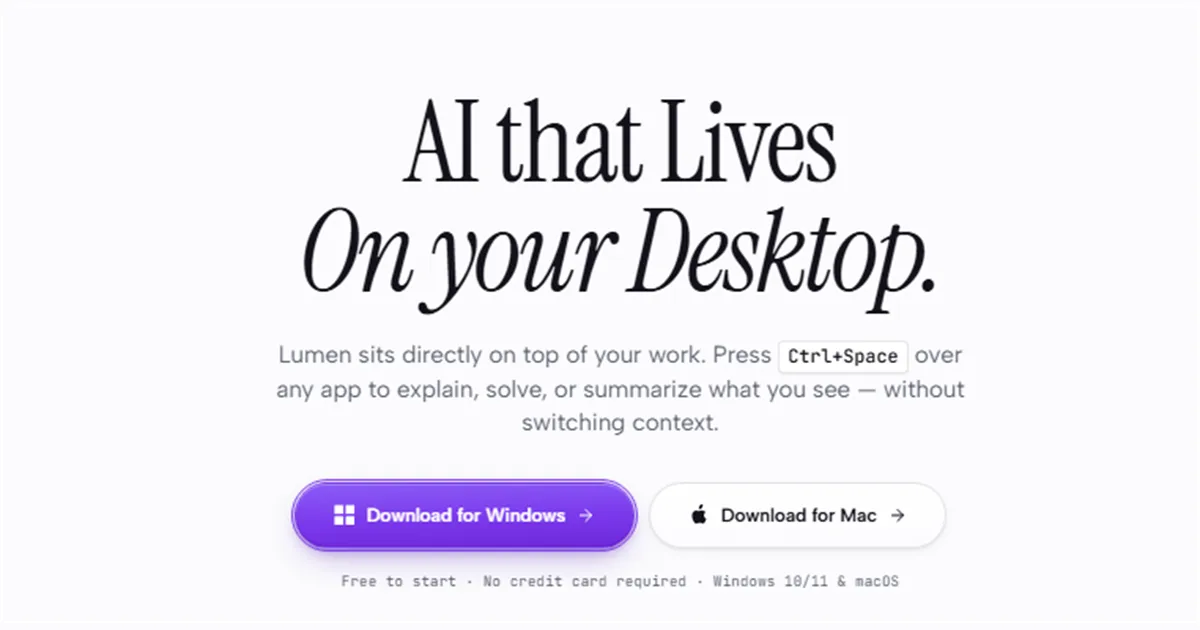
AI Overlay that Lives on your Desktop
Lumen sits directly on top of your work. Press Ctrl+Space over any app to explain, solve, or summarize what you see — without switching context.
以下正文同步自 Hacker News 最新,版权归原站所有,已转换为易读排版。
Lumen sits directly on top of your work. Press Ctrl+Space over any app to explain, solve, or summarize what you see — without switching context.
Download for Mac
Free to start · No credit card required · Windows 10/11 & macOS
Choose what you need help with. Lumen captures the exact pixels on your screen and outputs actionable answers without switching windows.
Code & ErrorsFormulas & MathDense ReadingFull Display
Read the error, hand back what fixes it.
Highlight a stack trace, syntax error, or broken function. Lumen identifies the root cause and outputs the corrected code block ready to copy and paste.
Lumen's Direct SolutionCopy solution
Root cause: unhandled null response payload
// Replace line 42:
const items = response?.data?.items ?? [];
Guards against null/undefined API payload with safe nullish coalescing default.
Ready to pasteDrop into your editor
Open. Select. Solved.
Three quick actions between hitting a blocker and getting back to work.
Press Ctrl+Space (or Cmd+Space on macOS). The translucent overlay floats over your current workspace in milliseconds.
Drag a bounding box around any problem on screen—code, math, diagrams, or text. Or let Lumen analyze the entire active display automatically.
Lumen answers directly over your screen. Get the exact corrected code block ready to paste, step-by-step logic, or summaries, and keep moving.
Recording a tutorial, presenting to clients, or on a live video call? Lumen tells your operating system to hide its screen from capture, so your answers and overlay never leak into recordings.
Excluded from Zoom · Microsoft Teams · Google Meet · OBS Studio · Loom · Slack Huddles
Drag the handle to test real-time visibilityHidden from taskbar & Alt+Tab
Native window exclusion
Uses Windows WDA_EXCLUDEFROMCAPTURE to block GPU frame grabbers at the driver level.
Lumen does not create taskbar buttons or Alt+Tab thumbnails while running. It appears and disappears seamlessly.
Screen content is only read when you press the hotkey and select an area. It never records in the background.
Start with free everyday screen selection and problem solving. Upgrade to Pro for 20x capacity and Stealth Mode.
For everyday debugging, formula resolution, and text explanation.
5 requests per day
Instant overlay with Ctrl+Space
Screen region selection & full display analysis
Code debugging & math problem solving
Local session history saved on device
Download Free
RECOMMENDED
Pro
Power users
20x request capacity, GPT-6 Luna reasoning, and Stealth Mode privacy.
100 requests per day (20x capacity)
GPT-6 Luna — ~4.3x more capable than Free
Stealth Mode: 100% invisible on Zoom, Teams & OBS
Priority low-latency processing queue
Direct priority developer support
Get Pro — $20/month
Detailed plan comparison
Compare all features, models, and privacy protections across tiers.
IncludedIncludedScreen Region SelectionIncludedIncludedFull Display AnalysisIncludedIncludedLocal Device HistoryIncludedIncludedStealth Mode (Screen-Share Privacy)Excluded from Zoom, Teams, Meet, and OBS via OS capture exclusion API—Not includedIncludedPlatforms & SupportSupported SystemsWindows 10/11 & macOSWindows 10/11 & macOSSupport LevelStandard supportDirect priority developer support
Frequently asked questions
Everything you need to know about privacy, hotkeys, and platform support.
Lumen uses lightweight native OS APIs to capture the exact pixels only when you invoke Ctrl+Space (or Cmd+Space on macOS) and make an explicit selection. It never records your screen continuously in the background or monitors keystrokes.
On Windows, Lumen applies the native WDA_EXCLUDEFROMCAPTURE window display affinity flag. This tells the Windows Desktop Window Manager (DWM) compositor to omit the overlay window from any GPU capture stream used by Zoom, Microsoft Teams, Google Meet, OBS Studio, and Discord.
Your desktop conversations and prompt history are stored locally on your device in your user directory. They are never synchronized to public databases or shared between users.
Screenshots are only processed ephemerally for the immediate request you submit. They are discarded immediately after generating the response and are never used to train frontier foundation models.
Pro is $20 per month on a monthly plan, or $15 per month when billed annually as $180 per year. Checkout runs directly through Stripe. You can upgrade, manage invoices, or cancel anytime from the Billing dashboard.
Install Lumen for Windows or macOS. Press Ctrl+Space whenever you need help with what you see on screen.
正文由 探How 从来源站点 RSS 同步,内容未经改写;遇到排版缺失或需要图片、视频时请以原文为准。