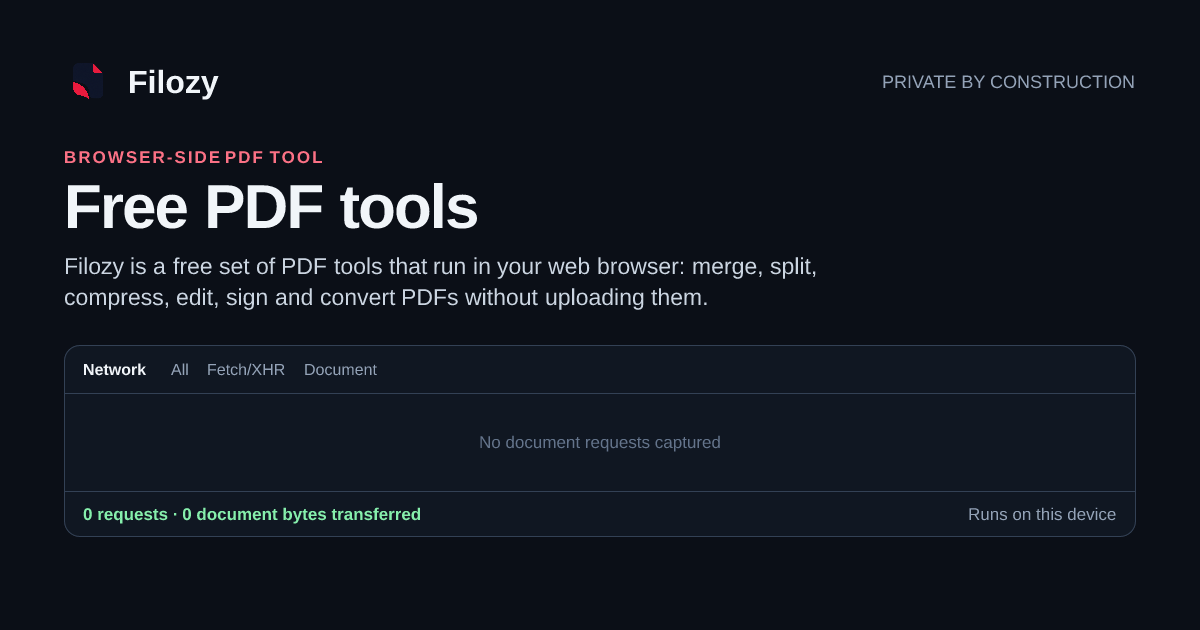
I run Filozy: 39 free PDF tools that run in the browser, nothing is uploaded
Filozy is a free set of 39 PDF tools that run in your web browser.
以下正文同步自 Hacker News 最新,版权归原站所有,已转换为易读排版。
Filozy is a free set of 39 PDF tools that run in your web browser. Merge, split, compress, edit, sign and convert PDFs on this device, with no daily limit; the result stays yours.
Merge PDF
W
PDF to Word
Edit PDF
JPG to PDF
Compress PDF
All 39 tools ↓
Your file stays on this device · See the browser measure it
Start with a clear outcome. Every tool labelled in your browser handles the document on your machine.
Build the document in the page order you need.
Combine files and reorder pages before you export.
Cut between visible pages or enter your own page groups.
Fix sideways scans. Pages are turned without being re-encoded.
Drag pages into the order you actually wanted.
Every N pages, into equal parts, at a size, or at each chapter.
Photograph pages. Straightened and sharpened on your device.
Reduce, repair, crop, and prepare the file.
Smaller file, checked against the original before you get it.
Drop the color without flattening the text into pixels.
Finds the content and crops to it — for scans with huge margins.
Trim the margins. Lossless — only the page box changes.
Make forms and comments permanent so nothing stays editable.
Turn everyday files into dependable PDFs.
JPG, PNG or WebP into one document. JPGs are copied in byte for byte.
Text, headings and lists from a .docx — in your browser.
Each sheet as a table, with the values its formulas last calculated.
One page per slide at the slide size — text, tables and pictures.
Plain text, a spreadsheet export, or Markdown — typeset here.
Export pages as JPG or PNG at the DPI you pick.
An editable .docx, rebuilt from the page in your browser.
Tables into cells, noting which were ruled and which inferred.
For documents that already have a text layer.
The original pictures at their own resolution, not screenshots.
Add, arrange, and make content permanent.
Text, highlights, drawing, shapes and signatures on the page.
Stamp preset diagonal text across every page.
A number in the bottom-right corner of every page, from any start.
Several pages to a sheet, a foldable booklet, or a poster.
Lay one PDF over another — letterhead, a draft mark, a stamp.
Running heads, and the numbering discovery workflows need.
Read, compare, recognize, and inspect documents.
What changed between two drafts, in words not pixels.
Make a scan searchable. Reads English, on your device.
Fill in a form and save it, or bake the answers in for good.
See what your file is carrying, then change or remove it.
Control access, remove secrets, sign, and archive.
AES-256 password and permissions, set in your browser.
Remove protection you are authorized to remove.
Marked pages are rebuilt as images, not just covered by a black box.
Draw, type or place a signature on the page.
Archival conversion. Refused when it finds a font that is not embedded.
The counter separates support assets such as the PDF engine from non-asset requests. A competitor can copy the words; it cannot keep this reading at zero while uploading a PDF.
Job timing and byte counts can be shown without a filename, page text, or document content leaving this tab.
The mechanism is the trust. If you can follow it, you do not have to take our word for anything — and you can see exactly which step is missing.
The browser hands the tool a copy in memory. No request is made.
A Web Worker runs the operation off the main thread, so the page stays responsive.
Download the finished file, or continue into the next tool with a temporary copy on this device.
Not implemented. There is no endpoint to call.
Your file → our server → back to you never happens
Three things genuinely need a server. We would rather name them than quietly route your file somewhere and hope you don't check.
Features that are not ready are clearly marked. The live local tools do not send your documents to a server. Public web-page conversion is separate and would send the URL you enter.
Every local tool keeps the document in the browser tab. When you save, you take the result with you. Continuing a workflow uses a temporary local copy you can clear at any time.
正文由 探How 从来源站点 RSS 同步,内容未经改写;遇到排版缺失或需要图片、视频时请以原文为准。