StepGrab
Now on Windows, with redaction and a real editor Discussion | Link
以下正文同步自 Product Hunt,版权归原站所有,已转换为易读排版。
Based on 1 review
Review StepGrab?
Leave a review
ReviewsMost Informative
View all
Omri Ben-Shoham
Dial
•82 reviews
What's great
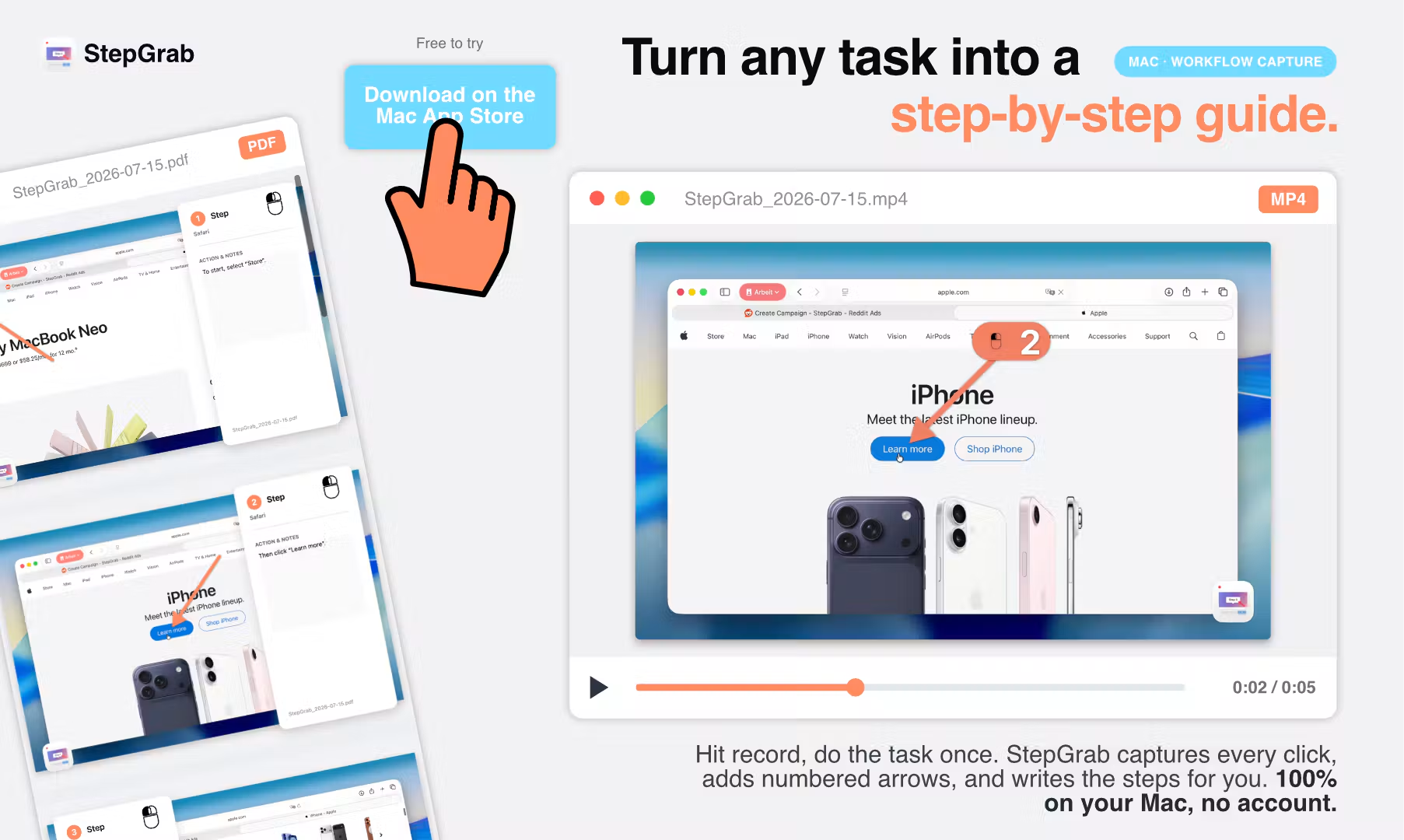
it lives quietly in the menu bar and just works when i need it. i record a task once and get back a clean set of annotated screenshots with the click arrows already drawn on, which used to be the most tedious part of writing internal docs for me. the fact that nothing leaves the machine matters too, since some of what i document has account settings and pricing info i wouldn't want uploaded anywhere.
the step descriptions get vague on toolbar icons that don't have visible text - it reads the label fine when there is one, but an unlabeled icon button just gets described generically. would love better handling there as the underlying model improves
looked at scribe briefly but it's web-first and subscription only, and i didn't want screen recordings of internal tools sitting on someone else's server
Reliability
Value for money
Customization
HelpfulShare
Report
15 views3mo ago
Julian BeltingStepGrab
Thank you, and your second paragraph is the reason the app has the shape it does. A lot of what I document has account settings in it too, which is why I never built a server. There's nothing to upload because there's nowhere for it to go.
On the unlabeled icons, you've found the real weak spot. The step text comes from reading what's visible on screen plus whatever label the control exposes. When a toolbar icon has neither, there's nothing left to describe and it falls back to something generic.
The clean fix would be the Accessibility API, because an unlabeled icon usually still carries a description the developer set. That's where it gets murky. Apple restricts that API on the App Store to genuine accessibility use, so I work with a narrower permission instead. I could ship outside the App Store and have full access tomorrow, but then the privacy claim becomes "trust me" rather than something the sandbox actually enforces. For your kind of content that's the wrong trade, so I'm not making it.
The route I'm taking instead is the on-device vision model coming in macOS 27, which can look at the icon itself rather than asking the app what it's called. That's the 2.0 plan. Slower, but it doesn't cost you the thing you came for in the first place.
Thanks for writing this up properly. It's more useful than most of what I get.
UpvoteReport
Share
3mo ago
{"@context":"https://schema.org","@type":"Product","@id":"https://www.producthunt.com/products/stepgrab","review":[{"@type":"Review","@id":"https://www.producthunt.com/products/stepgrab/reviews?review=593662","itemReviewed":{"@id":"https://www.producthunt.com/products/stepgrab"},"reviewRating":{"@type":"Rating","ratingValue":4,"bestRating":5,"worstRating":1},"reviewBody":"looked at scribe briefly but it's web-first and subscription only, and i didn't want screen recordings of internal tools sitting on someone else's server
it lives quietly in the menu bar and just works when i need it. i record a task once and get back a clean set of annotated screenshots with the click arrows already drawn on, which used to be the most tedious part of writing internal docs for me. the fact that nothing leaves the machine matters too, since some of what i document has account settings and pricing info i wouldn't want uploaded anywhere.
the step descriptions get vague on toolbar icons that don't have visible text - it reads the label fine when there is one, but an unlabeled icon button just gets described generically. would love better handling there as the underlying model improves
正文由 探How 从来源站点 RSS 同步,内容未经改写;遇到排版缺失或需要图片、视频时请以原文为准。