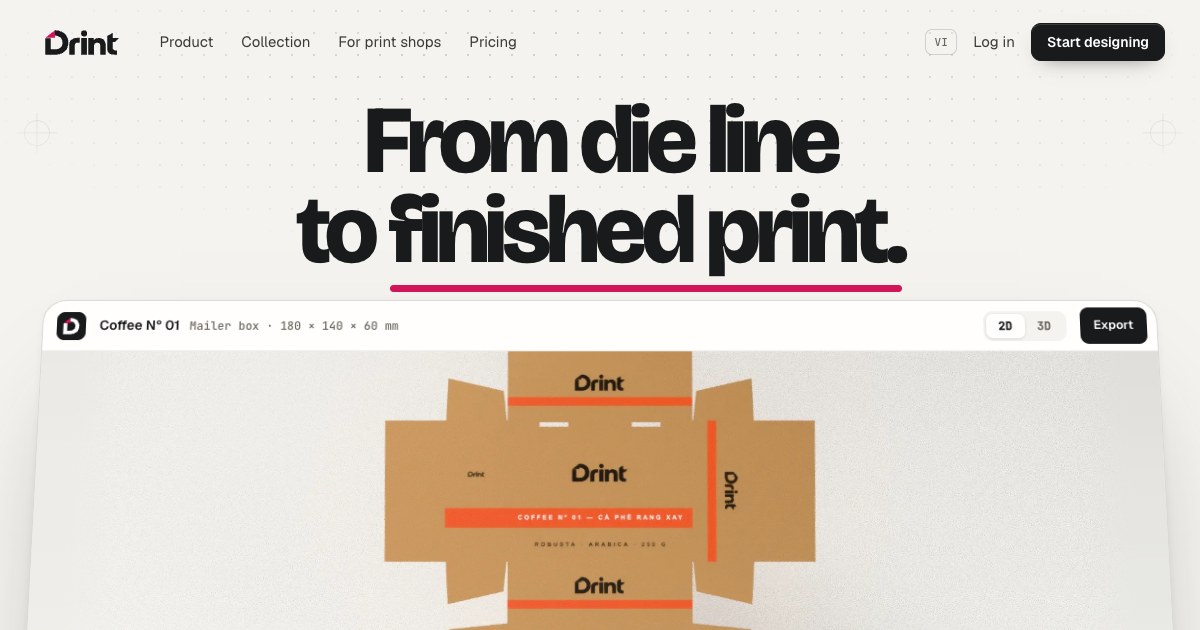
Show HN: Drint – packaging dielines and 3D box mockups as an MCP server
Use Drint inside an AI assistant’s chat: find mockups, get dielines at an exact size, open your own projects in 3D.
以下正文同步自 Hacker News 最新,版权归原站所有,已转换为易读排版。
Use Drint inside an AI assistant’s chat: find mockups, get dielines at an exact size, open your own projects in 3D.
Drint is an MCP server — the standard way AI assistants plug in other apps. Muse, Claude and ChatGPT all connect to the same address: https://drint.io/mcp.
Finding mockups and listing dieline structures work straight away, without an account. When the assistant needs your account (your projects, dieline files), it sends you to drint.io to sign in and click Allow.
Run claude mcp add --transport http drint https://drint.io/mcp, then type /mcp in Claude Code to sign in to Drint.
search_mockups — finds ready 3D mockups: boxes, bags, bottles, labels, apparel…
list_dielines — the dieline structures Drint draws, with their default sizes.
get_dieline — a PDF / AI or SVG dieline at an exact size, from a FEFCO or ECMA code or a Drint type. Free has 3 a month.
make_dieline — PDF / AI, DXF and CF2 files for the die-maker. DXF and CF2 need Pro. Both dieline tools count on your plan like a download in the app.
list_my_projects, open_my_project — your own projects, opened in 3D (with the watermark grid on Free, as in the app).
review_inbox — your Review inbox: work handed on to 3D Studio or Drint AI and the results waiting for you.
send_to_3d_studio — a link that opens the project with Continue already open; click Build a scene in 3D Studio to send it.
On drint.io’s Allow page, tick View only if the assistant should only look at your projects and Review inbox: it makes no dieline files and uses nothing on your plan.
Each connection works in one space you pick on the same page — your own, or a print shop’s.
See and remove connected assistants in Account → Sign-in & security → Connected apps. Changing your password removes all of them.
The assistant never sees your password, and no Drint tool deletes anything or takes a payment.
正文由 探How 从来源站点 RSS 同步,内容未经改写;遇到排版缺失或需要图片、视频时请以原文为准。