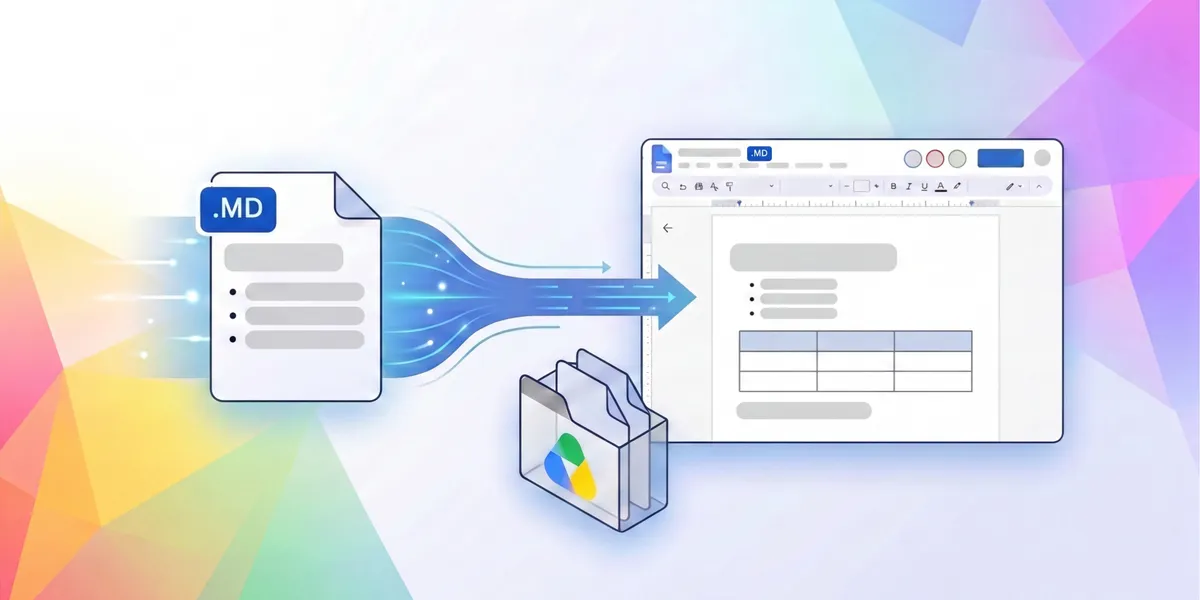
Preview, edit, and collaborate on Markdown files natively in Google Docs & Drive
Google Workspace is bridging the gap between code and collaboration by providing a familiar, real-time environment where developers and AI agents can seamlessly work together on documentation.
以下正文同步自 Hacker News 最新,版权归原站所有,已转换为易读排版。
Google Workspace is bridging the gap between code and collaboration by providing a familiar, real-time environment where developers and AI agents can seamlessly work together on documentation.
Markdown (.md) is a standard text format widely used by LLMs to preserve structured content—such as tables, headers, and bulleted lists—without the overhead of bulky file formats. Markdown file usage in Google Drive has surged year-over-year, indicating how critical this format has become for modern, fast-paced workflows.
Now, you can natively view, edit, and collaborate in markdown files directly in Google Docs, eliminating the friction of manual file conversions. You can edit without changing file types while ensuring your underlying documentation is preserved for developer tools and git repositories. Plus, with rendered previews in Google Drive, you can easily review formatting with a click.
As AI agents take on larger roles in drafting, planning, and coding, markdown serves as a collaborative common language between humans and AI tools because it is easily readable by both. Google Docs provides a familiar, easy-to-use environment, acting as a shared bridge where team members and autonomous agents work together directly on the same documents. When you open a markdown file in Google Docs, you have:
正文由 探How 从来源站点 RSS 同步,内容未经改写;遇到排版缺失或需要图片、视频时请以原文为准。