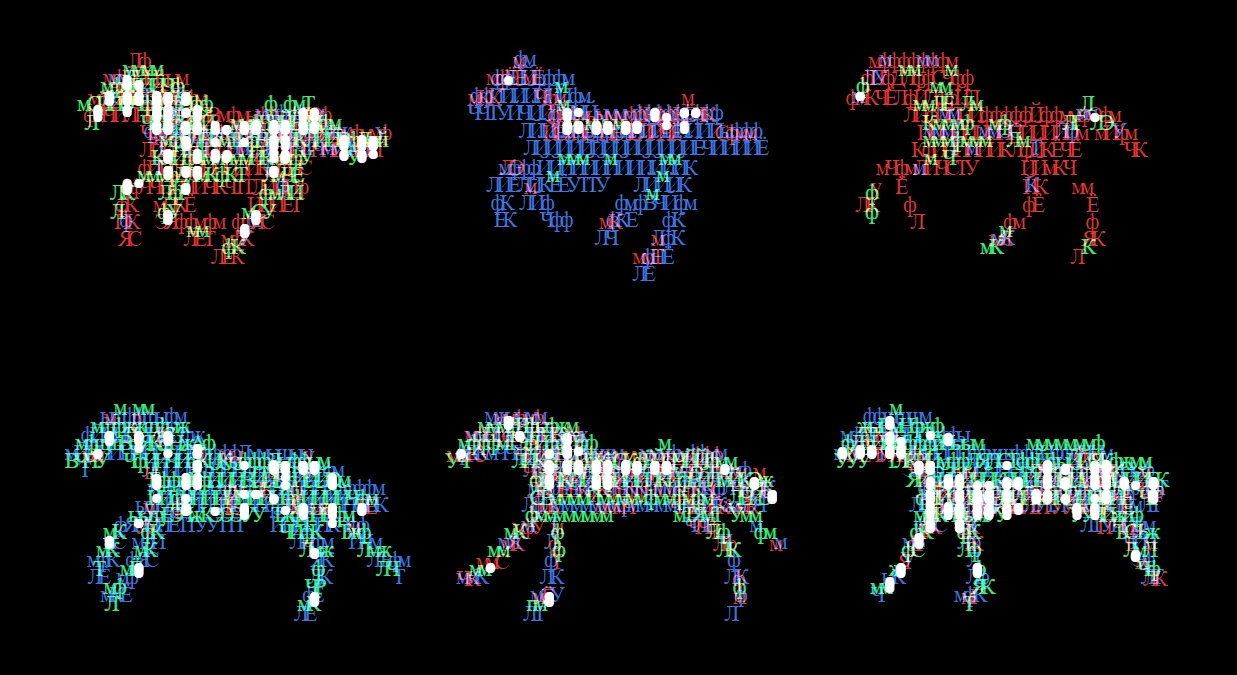
Show HN: Multi-Layer ASCII Art
The artwork is a stack of real text layers, each one a <pre>. Copy this snippet and drop it anywhere HTML is allowed. It's easy to edit for adjustments.
以下正文同步自 Hacker News 最新,版权归原站所有,已转换为易读排版。
The artwork is a stack of real text layers, each one a <pre>. Copy this snippet and drop it anywhere HTML is allowed. It's easy to edit for adjustments.
This site is inpired by typewriter art. I find the ASCII art paradigm too limiting in modern day. Typeart embraces font offsets and CSS styling. The web browser is the art engine.
You can embed the font file into the snippet too. With it off, the snippet references family names only, so those fonts must already be loaded on the page.
Typeart filters works best on lineart images (in ink presets) and generally pictures great sharp contrast or smooth gradients.
Scale the whole block down so it never overflows. The wrapper takes on the scaled height, so the page layout stays honest.
<div class="gg-fit"> <div class="gg-art"> …paste export here… </div> </div> <script> const fit = () => { const wrap = document.querySelector('.gg-fit'); const art = wrap.firstElementChild; const w = art.offsetWidth; const h = art.offsetHeight; const s = Math.min(1, wrap.clientWidth / w); art.style.transformOrigin = 'top left'; art.style.transform = `scale(${s})`; wrap.style.height = `${h * s}px`; }; addEventListener('resize', fit); fit(); </script>02 Centre it without a sideways scrollbarThe art stays centred and any overflow can still be reached, but the scrollbar itself is hidden. Use overflow-x: hidden if you want to clip the overflow instead.
.gg-stage { display: flex; justify-content: center; justify-content: safe center; overflow-x: auto; scrollbar-width: none; overscroll-behavior-x: contain; } .gg-stage::-webkit-scrollbar { display: none; } .gg-stage > .gg-art { flex: none; }
03 Swap art at a breakpointExport a wide and a narrow version at different canvas sizes, then show only the one that fits. The hidden block is never painted.
<div class="gg-art gg-wide"> …wide art… </div> <div class="gg-art gg-narrow"> …narrow art… </div> <style> .gg-narrow { display: none; } @media (max-width: 700px) { .gg-wide { display: none; } .gg-narrow { display: block; } } </style>04 Shield it from global CSSLoad this after your global stylesheet. It re-asserts only the properties that commonly leak in. Leave font-family, font-size, color, and letter-spacing alone: the per-layer rules need them.
正文由 探How 从来源站点 RSS 同步,内容未经改写;遇到排版缺失或需要图片、视频时请以原文为准。