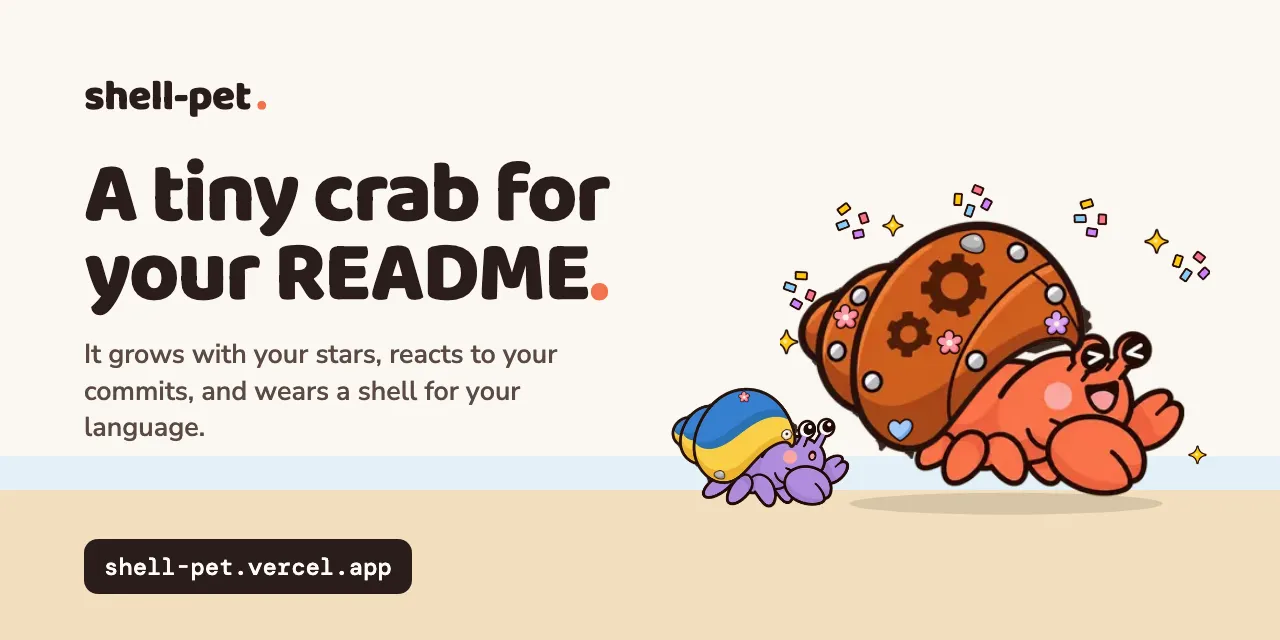
Shell-pet – a hermit crab for your README that reacts to repo activity
Meet the tiny hermit crab that grows with your repository.
以下正文同步自 Hacker News 最新,版权归原站所有,已转换为易读排版。
Meet the tiny hermit crab that grows with your repository.
No account. No install. Just a README badge.
✦✦✦ one repo. one little resident.
Find your repository’s resident
Every repo starts with a little personality.
GitHub repository name or URL
Meet my crab →
Ready for your README.md
Markdown•••
Copy Markdown
This is the real badge for the submitted repository. Updated about hourly when viewed; there is no background job.
Run this inside your repository to add the badge.
npx shell-pet init
Copy command
A little dress rehearsalExplore a demo
DEMO · sample state
These controls change only the example below. Your real badge and copied Markdown always use repository activity.
A frozen example, not a live badge. It will not update from GitHub.
One line of Markdown. A tiny friend for every commit.
A companion for every chapter of your project.
Juveniles get up to 3 decorations; adults and elders get up to 8. Shells grow smoothly with stars and a little extra size from major releases. Losing stars can move a crab back a stage.
The first matching rule wins. Choose a mood to see the expression and the actual rule behind it.
Recent events take priority. Other repos default to Happy; repos with 180+ quiet days or archived repos use the Resting stage instead. Eggs stay eggs.
Other languages get a seeded classic shell; supported language colors tint its stripe. Try a classic ↗
Small projects and familiar names, all using live badges.
These are live repository badges, not demo settings. Their stage and mood can change as activity changes.
About hourly when someone views the badge. There is no background job. GitHub also caches README images, so changes can take longer to appear. The live preview shows when its activity data was fetched, when that information is available.
No. Private repositories are never shown. Private and missing repositories return the same lost-egg badge and message, so a badge cannot tell them apart.
Studio adds no analytics or visitor tracking. Badges are images with no scripts. GitHub normally proxies README images; visiting Studio or an image URL directly still sends a normal web request to its host. No GitHub token or sign-in is needed here.
The repository name deterministically seeds its body color, generic shell and decorations. Its main language selects a special shell when available. Stars choose its growth stage, contributor count adds decorations, and major releases add a little shell size. The same name produces the same traits; different repositories can share visible traits.
The first matching activity rule wins, in the order shown above. The live badge’s reason line explains the current result. Demo controls are for exploring expressions and never change the real repository’s mood.
Yes. Losing stars can move it back a stage. A repository with a crab rests when archived or after 180 days without commits: it naps inside its shell with a nightcap. A zero-star egg stays an egg.
No. “Save frozen demo SVG” downloads the selected demo state as a snapshot. Use the copied Markdown for a badge that follows real repository activity.
正文由 探How 从来源站点 RSS 同步,内容未经改写;遇到排版缺失或需要图片、视频时请以原文为准。