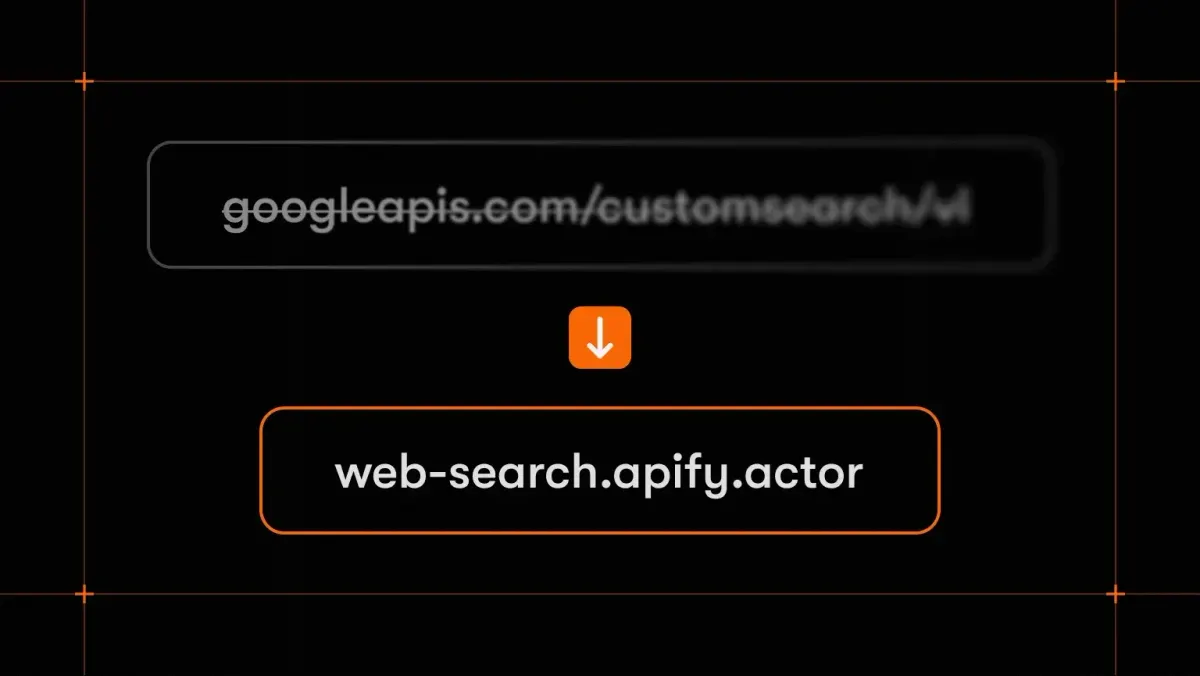
Google Custom Search API is shutting down: migration guide and alternatives
Google's Custom Search JSON API no longer accepts new customers, and existing customers have until January 1, 2027 to find another solution.
以下正文同步自 Hacker News 最新,版权归原站所有,已转换为易读排版。
Copied!
Google's Custom Search JSON API no longer accepts new customers, and existing customers have until January 1, 2027 to find another solution.
If your app or pipeline sends a query to the Custom Search JSON API with "Search the entire web" turned on and reads back JSON, this guide is for you. Check which replacement fits your use case and see how to move to Web Search, an Apify Actor that returns Google results as JSON.
Google has announced the following on the Custom Search JSON API overview page:
For searching up to 50 domains, Google points users to Vertex AI Search. For results from the whole web, Google offers no self-serve replacement. It only points to an interest form.
Before you pick a tool, check what you use Custom Search for. Each of these jobs has a different best fit.
The rest of this guide is for the third group: you need results from the whole web, as JSON, with as little code change as possible.
Web Search keeps the pattern you already rely on: a query goes in, structured search results come out. Here's how it compares to the Custom Search JSON API.
Moving to Web Search takes a few changes to your code. You still send a query and get JSON back, so the code that reads your results keeps working once you map the field names below. Here's what to do:
Here's a typical Custom Search request in Python, followed by the same request sent to Web Search. Both use the requests library.
import os import requests resp = requests.get( "https://www.googleapis.com/customsearch/v1", params={ "key": os.environ["GOOGLE_API_KEY"], "cx": os.environ["SEARCH_ENGINE_ID"], "q": "best coffee shops", "gl": "fr", "lr": "lang_fr", "num": 10, }, timeout=30, ) for item in resp.json().get("items", []): print(item["title"], item["link"])
After, with Web Search:
import os import requests
resp = requests.get( "https://web-search.apify.actor/", headers={"Authorization": f"Bearer {os.environ['APIFY_TOKEN']}"}, params={ "query": "best coffee shops", "countryCode": "FR", "languageCode": "fr", "maxResults": 10, }, timeout=30, ) for result in resp.json()["results"]: print(result["position"], result["title"], result["url"])
What changed:
The Web Search API pages have ready-to-copy code for JavaScript, the CLI, and plain HTTP, plus an OpenAPI definition. The request and the results are the same as in the Python example.
Custom Search only ever gave you a title, a link, and a two-line snippet. If your app needed what was on the page, you had to build and maintain a scraper for every site.
On Apify, Web Fetch handles that step. Give it a URL, and it returns the page as clean Markdown, with JavaScript rendered and bot blocking handled. A common pattern is search, then fetch: Web Search finds the candidate URLs, and Web Fetch reads the top results. Both run on the same Apify account and API token.
Custom Search was never built for AI agents. Web Search works as a tool in Claude Desktop, Claude Code, Cursor, VS Code, and other MCP clients, and you can connect it in two ways:
Then ask something like: "Compare the top results for 'electric cargo bike' in Germany and the Netherlands. What brands show up in each?" The agent runs the same query twice, once with countryCode set to DE and once to NL, and compares what each market sees.
The Custom Search JSON API stops working at the start of 2027, and there's no official Google replacement for results from the whole web. If your code sends a query and reads back JSON, you can move it to Web Search by changing the endpoint and a few parameter and field names. When you need the full content of each page, add Web Fetch. To give your AI agent both tools, connect it to the Apify MCP server.
Google discontinues the Custom Search JSON API on January 1, 2027. It's already closed to new customers, and existing customers can use it until that date.
Not a self-serve one. Google's official options cover site search for up to 50 domains (Agent Search, formerly Vertex AI Search) and enterprise grounding. For results from the whole web, Google points to an interest form.
It depends on what you need to search. For a search box on your own site, use a site search tool. For results from the whole web as JSON, use a search API such as Web Search, SerpApi, or Serper. For full results pages with ads and AI Overviews for SEO research, use a SERP scraper such as Google Search Results Scraper.
Send a GET request with the requests library to the Web Search endpoint, pass your Apify API token in the Authorization header, and read the results list from the JSON response. See the before-and-after example above.
No. Web Search returns the first page of results only. For many pages per query, use Google Search Results Scraper.
正文由 探How 从来源站点 RSS 同步,内容未经改写;遇到排版缺失或需要图片、视频时请以原文为准。