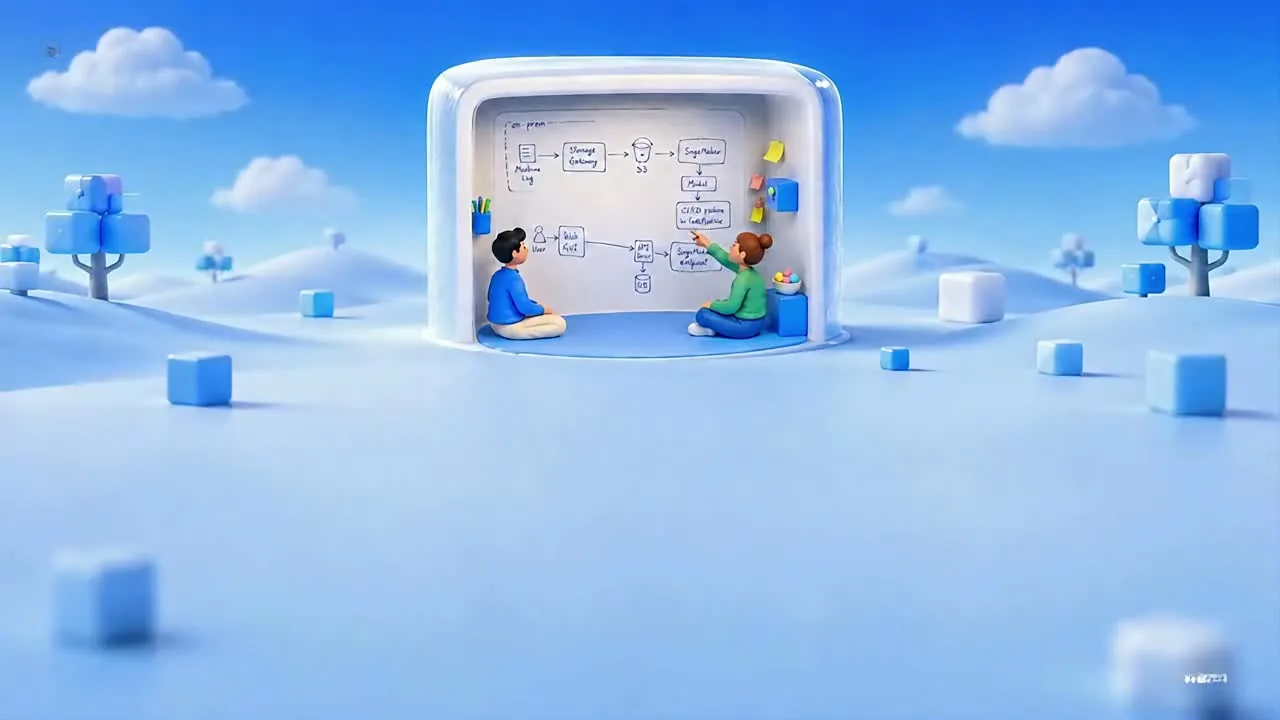
Secure meeting room for humans that AI can't see
A protected cloud room designed to keep what you say and share invisible to local AI and recording tools.
以下正文同步自 Hacker News 最新,版权归原站所有,已转换为易读排版。
Meet. Share. Work.Securely inside Qube.
A protected cloud room designed to keep what you say and share invisible to local AI and recording tools.
AI broke the Meeting Infrastructure
1Who else is listening?You invited a participant. You may have also invited AI agents, meeting bots, transcription tools, and software seeing and hearing the same meeting.2The endpoint is the weak link.Zoom, Meet, and Teams encrypt the call in transit. Once it reaches a participant’s computer, local AI, recorders, and capture tools can access it.3The meeting leaves your control.Recordings, transcripts, copied files, and captured IP can remain after the call ends, outside the meeting platform’s control
Qube Makes YouInvisibleInvisible
with One Click
Experience Qube
Work, Share, Assess Securely onDisposable Shared Computer
Emily
David
You
Experience Qube
Run Meetings with Enterprise Grade Security
Protected by streaming-grade security
Qube applies protected-media technologies used for high-value streaming to the live meeting, combining DRM/CDM playback with Qube’s isolated room and session controls to help keep you and your work invisible to local capture software.
DRM
Keep what you share secure
Work together on documents, drawings, and code inside Qube Computer. Your files stay in its shared workspace, and apps run there too. Qube isolates that workspace from local apps and AI assistants, helping protect what you share while you collaborate as naturally as working side by side.
Disposable Meeting Leaves Nothing Behind
Your meeting, live stream, and shared files run inside a disposable virtual machine in the cloud. When the meeting ends, that machine is destroyed along with its temporary workspace. Your next conversation starts on a fresh machine.
Built for TeamsRunning High-Stakes Meetings.
Security & ComplianceSecurity & ComplianceRun Customer Security Reviews
Open SOC 2 evidence, architecture, dashboards, or internal controls inside Qube and walk customers through them live without emailing screenshots, credentials, or sensitive artifacts.
Recruiting & TalentRecruiting & TalentRun Technical Interviews
Bring the candidate, interviewer, and coding environment into one protected room. Work through problems together while keeping the interview away from local AI assistants and cheating tools.
Vendor & External TeamsVendor & External TeamsWork Together Without Handing Over the Workspace
Give consultants, contractors, offshore teams, or vendors a place to access the applications and material required for the meeting without moving the sensitive workspace onto their own devices.
Legal, Tax & AdvisoryLegal, Tax & AdvisoryWork With External Counsel
Review contracts, tax documents, patent material, diligence files, or confidential company records with lawyers and advisers without distributing the underlying files across personal devices.
Seamless Integration
Already in yourAshbyAshby
Qube fits into the way you already schedule and run meetings. No new software, no new workflow, just choose Qube and start the room.
The browser is the workspace, nothing to install or configure
One room code carries the whole session into your calendar
Files, drawings and code stay together inside the room
Bring your workflow
Bring your CAD DesignBring your CAD Design
Locally with QubeBrowserBrowser
A computer inside your meeting. Open your files and tools, then work together with everything running locally inside Qube.
Bring links and files into the computer inside your meeting.
Preload your local workspace before participants enter the room.
Browse, write, model and code on Qube’s built-in computer.
Review & evidence
Hit Record to RecapHow Maya Worked on DFSHow Maya Worked on DFS
Qube connects the diarized transcript with what happened inside the room, so every key action and piece of evidence stays tied to the moment it happened.
Diarized transcript, tied to every turn
Actions on the shared workspace captured as they happen
One reviewable record, ready when the room closes
Research that made QubeInvisibleInvisible
See how Qube secures itself
Compare Qube with the rest
QubeZoomTeamsTalviewWebexProtonMeetHackerRank
CompareQubeZoomTeamsTalviewTransport encryptionAvailableAvailableAvailableAvailableProtected meeting streamAvailableNo verified matchNo verified matchNo verified matchLocal AI / app isolationAvailableNo verified matchNo verified matchAvailableNo installAvailableAvailableAvailableNo verified matchContext enforcementAvailableNo verified matchNo verified matchAvailableForensic WatermarkAvailableAvailableAvailableNo verified matchSecond-device surroundings viewAvailableNo verified matchNo verified matchAvailableAcoustic leakage detectionAvailableNo verified matchNo verified matchNo verified matchDeepfake defenseAvailableNo verified matchNo verified matchAvailable
× means no verified native first-party match as of September 29, 2026. Features vary by plan, platform, and mode.
Connect Qube with the ATS, LMS, scheduling, and workplace tools your team already uses, without changing your existing workflow.
正文由 探How 从来源站点 RSS 同步,内容未经改写;遇到排版缺失或需要图片、视频时请以原文为准。