Show HN: Nodewise SVG Optimizer
Scroll to zoom and drag to pan; both canvases move together. Double-click to fit.
以下正文同步自 Hacker News 最新,版权归原站所有,已转换为易读排版。
Scroll to zoom and drag to pan; both canvases move together. Double-click to fit.
Free online SVG optimizer and path simplifier
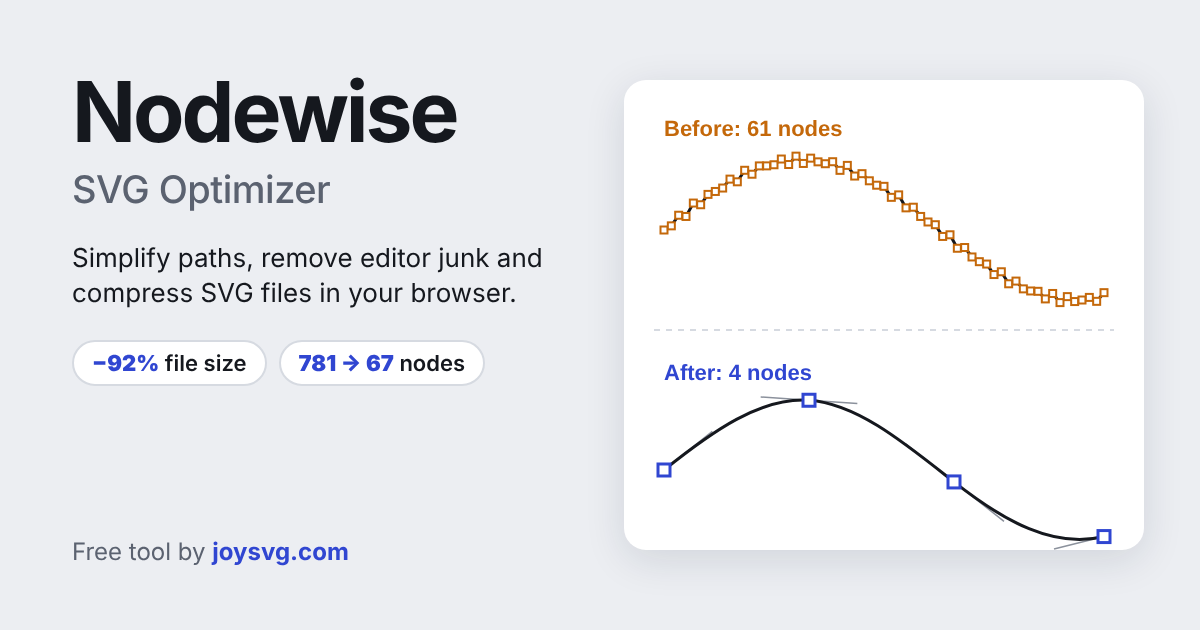
Nodewise makes SVG files smaller and cleaner, right in your browser. It reduces the number of nodes in your paths, removes the extra data that Inkscape, Illustrator and other editors add, and rewrites the code in its shortest form. Files often shrink by 80 to 90 percent and still look the same.
Your files are never uploaded. Everything runs on your own computer, so the tool is fast, free and private.
Looking for designs to use it on? Browse more SVG files and tools at JoySVG.com.
Yes. Nodewise is free to use, with no sign-up and no limit on the number of files.
No. Nodewise runs entirely in your browser. Your SVG files never leave your computer.
Only as much as you allow. The tolerance setting is the maximum distance any point can move from the original outline. At a low tolerance the change is invisible, even when zoomed in.
Smooth curves fits new Bézier curves through your shape and keeps sharp corners, which suits lettering, illustrations and traced artwork. Straight lines keeps only the important points and joins them with straight segments, which suits geometric shapes and maps.
Yes. Nodewise reads standard SVG from any app and removes the extra data each editor adds.
Yes. Cut files with fewer nodes load faster in design software and cut more smoothly. Keep the width and height attributes so the cut size stays the same.
正文由 探How 从来源站点 RSS 同步,内容未经改写;遇到排版缺失或需要图片、视频时请以原文为准。