GitHub Copilot Fusion
Route and orchestrate models with GitHub Copilot Fusion
以下正文同步自 Hacker News 最新,版权归原站所有,已转换为易读排版。
Back to changelog
Release
October 28, 2026 • 2 minute read
Route and orchestrate models with GitHub Copilot Fusion
Table of Contents
Smarter choices for developers
More control for administrators
Billing
Get started
Menu. Currently selected: Smarter choices for developers
Smarter choices for developers
More control for administrators
Billing
Get started
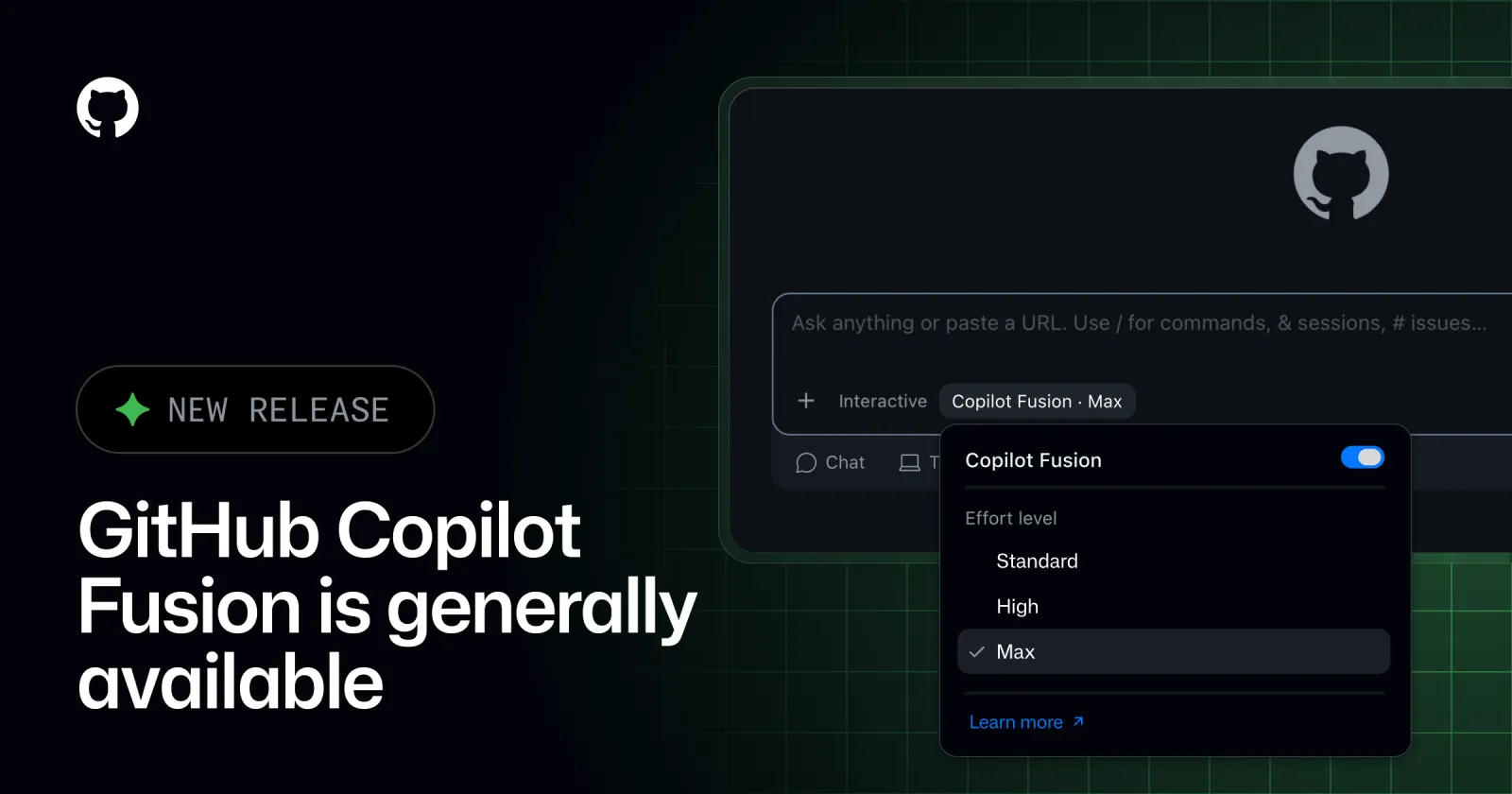
GitHub Copilot Fusion is generally available. Instead of picking a model for each task, choose Copilot Fusion and let Copilot intelligently route and orchestrate which models it uses for you.
Copilot Fusion brings together Project HydraFusion’s multi-model orchestration and Copilot auto model selection’s fine-tuned model selection, leveraging the benefits of both to balance performance and cost efficiency.
Since Project HydraFusion launched, we’ve improved its performance. In the Artificial Analysis Coding Agent Index, Copilot Fusion Max scored 60, within two points of Claude Code with Opus 5.5 Max. It delivered that result at about half the average API cost per task, using about half as many tokens and taking about 40% less time per task.
When you select Copilot Fusion in the model picker, you aren’t selecting a specific model. You’re choosing a system that routes and orchestrates models for each task. There’s no need to switch models during a task or decide which model suits each step. For each prompt, Copilot Fusion determines which models to use and how they work together, while you choose the right level of effort.
To use it, select Copilot Fusion in the model picker, then choose the effort level.
Watch as Copilot Fusion analyzes each task and selects a model to complete it, orchestrating multiple models through the following workflows when needed.
Administrators control which models Copilot Fusion can use and whether Copilot Fusion is the default.
“GitHub Copilot Fusion Standard has improved token efficiency across AT&T by automatically selecting the right model for the task, reducing unnecessary spend and preserving capacity for higher-value work. Previously, developers would often choose a more powerful model for a complex task and forget to switch back for everyday activities. Copilot Fusion eliminates that friction, optimizing model selection without requiring developers to manage it themselves. We’ve also seen its decision-making improve over time, giving developers greater confidence to focus on their work while Copilot handles model selection.”
Hari Pokhrel, Principal Software Engineer, AT&T
When you use Copilot Fusion you’re billed for each model it uses, at each model’s standard rate. For a limited time, users on paid Copilot plans will receive a 30% discount on model costs when using Copilot Fusion.
Copilot Fusion is available on all Copilot plans in Visual Studio Code, the GitHub Copilot app, GitHub Copilot CLI, and JetBrains IDEs. Support for additional clients is coming soon.
Update your client to try it out. Open the model picker, select Copilot Fusion, and choose an effort level.
Note for research preview participants: if you previously enabled auto, HydraFusion, or HydraFusion Max, your selections will automatically transition to the corresponding Copilot Fusion effort levels.
To learn more, see our documentation on GitHub Copilot Fusion and share your feedback in the GitHub Community.
正文由 探How 从来源站点 RSS 同步,内容未经改写;遇到排版缺失或需要图片、视频时请以原文为准。