How I Review 2K Lines of AI Generated Code
To write this issue, we asked a coding agent to add email invitations and an audit log to a small TypeScript app, then reviewed the pull request (PR) it produced. It came to 31 files and about 1,700 changed lines, with …
以下正文同步自 Hacker News 最新,版权归原站所有,已转换为易读排版。
TheAnkurTyagi and Isaac
Oct 30, 2026
3
1
Share
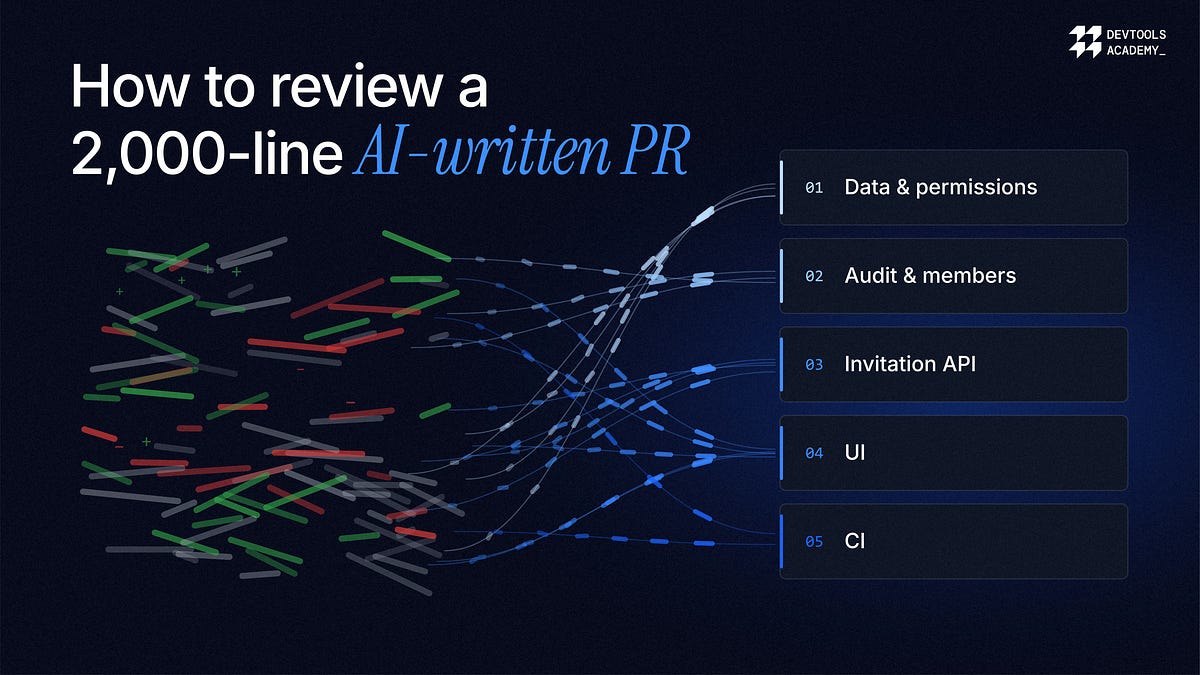
To write this issue, we asked a coding agent to add email invitations and an audit log to a small TypeScript app, then reviewed the pull request (PR) it produced. It came to 31 files and about 1,700 changed lines, with a two-sentence description. GitHub listed the files alphabetically, so the review opened on a CI config change, and the migration every other file depended on sat below five API files.
PRs this size are becoming routine. At Rails World in September, David Heinemeier Hansson (DHH) said 37signals now has agents writing nearly all of its code. Generating code is now cheap, and the human attention needed to review it is what runs out.
Keeping PRs small is still the best fix. Agents don’t reliably do it, though, and some changes are large by nature, like a schema migration or a rename across the whole repo. This issue is about reviewing those well.
We also planted nine problems in the PR, from a privilege escalation to a behavior change hidden inside a moved file, so we could see what the tooling caught and what it missed. The walkthrough below uses CodeRabbit Explain, and every screenshot comes from that PR. Where plain git covers part of the job, I’ve included the commands.
GitHub’s diff view works well for small changes a person wrote. On our PR, it fell short in four ways.
Files are sorted alphabetically, which has nothing to do with how the change was built. On our PR, that meant reading the UI before the API it calls, and the API before the schema underneath it.
A moved line shows up as a deletion on one side and an identical addition on the other. Agents move code around a lot, and cite a PR that showed 1,400 changed lines when six had actually changed. Our PR moved a whole helpers file, and the one behavior change inside it was easy to scroll past.
A diff shows the lines that changed, not the callers, contracts, or migrations they affect. That knowledge usually sits with whoever has been on the team longest.
“That’s tribal memory, and it leaves when people leave.”
The reasons behind a line are spread across force pushes, review threads, CI reruns, and the odd Slack message. In its May 2026 launch post for CodeRabbit Explain, CodeRabbit says a reviewer pulled into a cross-team PR typically spends the first 20 minutes just working out what it’s about.
Each of these costs attention, and by the time the change is rebuilt in your head, there’s less of it left for judging whether the change is right.
The test PR on GitHub. 31 files and about 1,700 changed lines, listed alphabetically, so the first thing you see is a CI config tweak.
The term comes from machine learning. If a model rejects a loan application, the applicant and the bank need to know which factors drove the decision, so someone can check it and be accountable for it. A bare verdict isn’t enough.
Code review needs the same thing. I’d call a change explainable when a reviewer can answer four questions without reconstructing it from scratch.
What actually changed, once moves and formatting are filtered out?
Why did it change, and what was the author or agent trying to do?
What does it touch beyond the lines in the diff?
How did it get here, including what changed after the last review?
A plain diff answers the first question, and not well. The table maps each question to the part of CodeRabbit Explain that answers it, and the steps below go through them in order.
AI summaries need a caveat. A fluent paragraph about a change isn’t an explanation unless each claim points to the lines it describes, so you can check it. CodeRabbit Explain anchors its findings, summaries, and diagrams to specific lines, and its product page describes a section listing what its agents couldn’t work out from the diff. I trust a tool more when it says what it doesn’t know.
CodeRabbit Explain’s main departure from the GitHub diff is reading order. It splits a PR into independent cohorts, each a slice of work with one purpose, and splits each cohort into ordered layers that follow the order you’d read the change in.
A layer is meant to be a step a developer would recognize. A contract, the code that implements it, and the tests that cover it all belong in one layer, not three. Layers are numbered in the order you’d explain the change, which is roughly the order it was built, not commit order or file order. Folders count as hints, not rules, so a layer can span director
GitHub order vs. CodeRabbit Explain layers
Grouped this way, a PR reads the way its author would explain it at a whiteboard, starting with the data model, then the API built on it, then the UI that calls the API. Our PR came out as a single cohort of five layers, with the migrations and permission rules first and the unrelated CI change on its own at the end, where it took a minute to skim.
The same PR in CodeRabbit Explain. Five numbered layers on the left, starting with the data model, and the files for the selected layer in the middle.
Within a layer, each range of code gets a plain-language summary in the right panel, and the panel highlights the summary for whatever code is on screen as you scroll. Ranges are scored as low, medium, or high complexity, and you can collapse summaries below a threshold. When a layer contains a real flow, such as a new API contract or a call sequence across services, CodeRabbit Explain draws a sequence diagram, state machine, or entity relationship diagram next to the diff. Simpler layers get text only.
The diagram CodeRabbit Explain generated for the Invitation lifecycle and API layer. The header also shows that this layer depends on the audit events layer.
Without a tool, you can approximate this. Before opening any file, sort the changed files into data and schema, core logic, interfaces such as APIs or UI, and tests and config, then read them in that order. It takes a few minutes and cuts down on jumping between files.
Every PR raises two questions before you can do anything useful with it, namely what the change is and what’s stopping it from merging. CodeRabbit Explain’s Overview page puts the answers to both on one screen.
A one or two-line summary at the top, followed by the original PR description and CodeRabbit’s walkthrough, which includes a sequence diagram when the change has a flow worth drawing.
A single merge verdict in the sidebar that combines merge blockers, CI, checks, the review decision, and CodeRabbit’s findings.
A list of what needs attention before merge, grouped by risk, with one-click actions such as asking CodeRabbit to fix failing CI or resolve merge conflicts.
An Activity rail on the right with the PR-level conversation, which you can filter by type. Line-level comments stay with the code in the layers.
The Overview page, with the layers, files changed, the summary, and what needs attention before merge. The right rail holds the review and the PR activity.
After we pushed a commit that broke a test, the Overview moved failing CI to the top as a Major risk. Each failing check can be marked unimportant, and one click asks CodeRabbit to fix it. Smaller items stay folded away under Trivial.
The right rail on the Overview. Filter chips split the PR’s history into comments, reviews, human reviews, commits, and housekeeping, so you can see a teammate’s approval without scrolling past every bot comment.
My rule is not to open a file until I can say in one sentence what the PR does and what’s blocking it. If the Overview can’t give me that sentence, the description needs work, and that becomes my first comment. I also clear blockers such as merge conflicts first, since there’s little point reviewing code that’s about to change.
On a large agent-written PR, a lot of the risk sits in the history. Code gets force-pushed after an approval, a test gets weakened to make CI pass, or a comment gets resolved without the fix landing. All three are easy to miss if you only look at the current diff.
Timeline View, which appears as the Activity rail on the Overview, puts PR activity and review checkpoints in one chronological list, grouped into categories you can filter. On our PR, it showed a teammate’s approval, followed by a force push 23 minutes later, which is hard to miss.
A teammate approved the PR, and 23 minutes later the branch was force-pushed. The approval still counts on GitHub, even though it was given to code that has since changed.
CodeRabbit Explain also keeps snapshots. Each one is a completed review run against a single head commit, and earlier snapshots stay available rather than being replaced. You read from the snapshot you have open, but approving, applying a suggestion, or merging acts on the live PR. When the PR has moved on, CodeRabbit Explain tells you which commit your view came from.
Review history right after the force push. The new snapshot is still queued, so CodeRabbit Explain warns that comments left from this view will attach to the older commit. Every earlier snapshot stays listed with its commit, date, and layer count.
On GitLab, Azure DevOps, and Bitbucket, the timeline only shows CodeRabbit’s own review checkpoints rather than every PR event.
Before approving, I check two things in Timeline View, what changed since the last review and whether anything was pushed after someone else approved. In my experience, those two checks catch more than rereading the whole diff.
Then read the code. Three features helped most on our PR.
Semantic Diff shows a moved block as a move rather than a deletion plus an addition, and when one token in a line changes, it highlights that token instead of the whole line. It’s the default view in CodeRabbit Explain, and files it can’t analyze fall back to the regular line diff.
Semantic view of lib/format.ts after the move. Each moved function gets a label with its old and new line numbers, like pluralize moving from lines 58–60 to 10–12.
Code Peek opens the likely definition and usages of a symbol inline when you click it, and keeps a back trail so you can follow a call several files deep. It relies on bounded search and heuristics, so it can miss references.
Code Peek on canAssignRole, listing both places it’s used in the PR.
On our PR, it found both references to canAssignRole but not its definition in lib/permissions.ts, and noted that its search is best effort. I’d use it for quick lookups, not as proof that nothing else calls a function.
Agentic Chat answers questions about the code in front of you, scoped to a layer, file, or range. It opens from the Continue button at the top of the right panel. It’s worth using for anything that would otherwise mean ten minutes of grepping. These are the questions I’d start with.
Which callers of this function does this change affect, and do any of them depend on the old behavior?
Is this rename complete across the repo, or are there string references or configs it missed?
What happens if this migration runs twice or fails halfway through?
Which tests cover this branch, and which edge cases have no test at all?
Why did the agent choose this approach over using the existing helper in the same module?
Treat the answers as leads. If an answer affects your decision, click through to the lines it cites and check them yourself.
Asking the chat agent about the moved file. It spotted that the cutoff for “N days ago” dropped from 30 days to 14, so anything 14 to 29 days old now shows as a calendar date.
We had hidden that change inside the moved helpers file on purpose, and none of the 14 review comments mentioned it. A single direct question to the chat found it.
A large PR produces a lot of findings, and they vary in importance. CodeRabbit Explain groups them into Critical, Major, Minor, and Nit, which you can filter and group by. Each finding is anchored to its lines, so you can work from the most severe down rather than in the order they were posted.
CodeRabbit Explain can also show a blast radius view and an
正文由 探How 从来源站点 RSS 同步,内容未经改写;遇到排版缺失或需要图片、视频时请以原文为准。