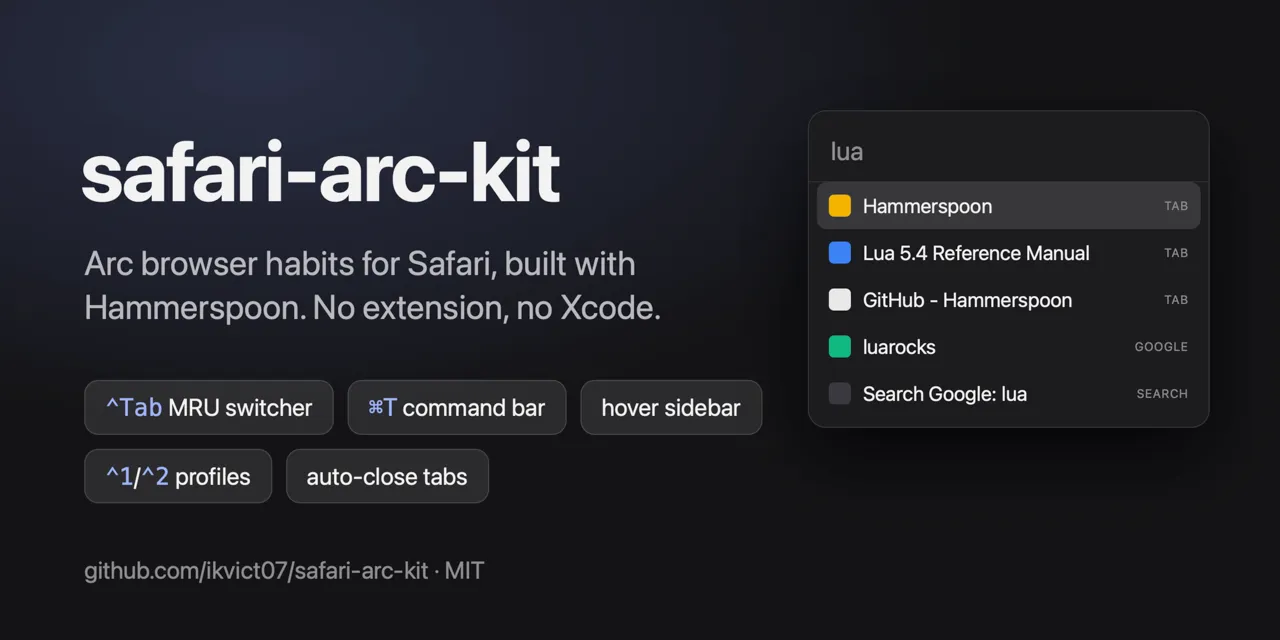
Arc-style tab switcher, command bar and hover sidebar for Safari
Arc browser habits for Safari, implemented as a set of Hammerspoon modules.
以下正文同步自 Hacker News 最新,版权归原站所有,已转换为易读排版。
Arc browser habits for Safari, implemented as a set of Hammerspoon modules. No Safari extension, no Xcode, no mouse polling: a few hundred lines of Lua, two HTML panels, and AppleScript.
⌃Tab switcher ⌘T command bar Hover sidebar
Feature How it works
⌃Tab switcher Cycles the 5 most-recently-used tabs of the current window, Arc style: tap for the previous tab, hold ⌃ for an overlay with page previews, ⇧ goes backwards, release ⌃ to switch, Esc cancels. Previews are window snapshots taken when you leave a tab.
⌃1 / ⌃2 profiles Raises the Safari window of a given profile (Personal, Work, …), creating it via File → New … Window if needed. Only active while Safari is frontmost.
⌘T command bar Spotlight-like panel over the Safari window: searches open tabs (Enter switches), shows Google suggestions, opens URLs, and supports prefix modes such as gh <query> or jira <JQL>. Type just the prefix and press Enter to lock the mode.
Hover sidebar Move the mouse to the left edge of the Safari window and a vertical tab list slides over the page content: favorites grid, tabs with favicons, close buttons, new tab. Leaves when the mouse does. Page content never shifts. Detection uses a 6 px invisible edge window, so there is no mouse tracking while idle.
Auto-close tabs Closes tabs whose URL matches a pattern as soon as they become active, e.g. local OAuth callbacks (127.0.0.1:<port>/oauth/callback?code=…) that CLIs open and Safari will not let a userscript close.
Install
Install Hammerspoon and grant it Accessibility and Screen Recording (the latter only for ⌃Tab previews): brew install --cask hammerspoon
Clone into your Hammerspoon directory: git clone https://github.com/ikvict07/safari-arc-kit ~/.hammerspoon/safari-arc-kit
Add to ~/.hammerspoon/init.lua: safari_arc_kit = require("safari-arc-kit")
Optional but recommended: copy config.example.lua to ~/.hammerspoon/safari-arc-kit-config.lua and set your profiles, favorites, command modes and auto-close rules.
Reload Hammerspoon.
Safari profiles are detected from window titles (Work — Page title), so create them in Safari → Settings → Profiles first.
Everything personal lives in ~/.hammerspoon/safari-arc-kit-config.lua; see config.example.lua for all keys. Defaults are in hammerspoon/kit_config.lua.
Styling of the panels is plain CSS in hammerspoon/command_bar.html and hammerspoon/sidebar.html (:root variables, light and dark).
Safari exposes tabs to AppleScript without stable ids, so tabs are keyed by URL + title; two identical tabs collapse into one entry.
The sidebar cannot reorder tabs or manage Tab Groups and pinned tabs: AppleScript has no API for them.
Previews in ⌃Tab are snapshots of the whole window, taken only for tabs you have visited.
Google suggestions send what you type to Google, like any browser address bar. They are off inside prefix modes.
Development
lua test/mru_test.lua lua test/command_parse_test.lua
Reload Hammerspoon after changes. hs.reload() from a timer has crashed Hammerspoon; quitting and reopening it is reliable.
正文由 探How 从来源站点 RSS 同步,内容未经改写;遇到排版缺失或需要图片、视频时请以原文为准。