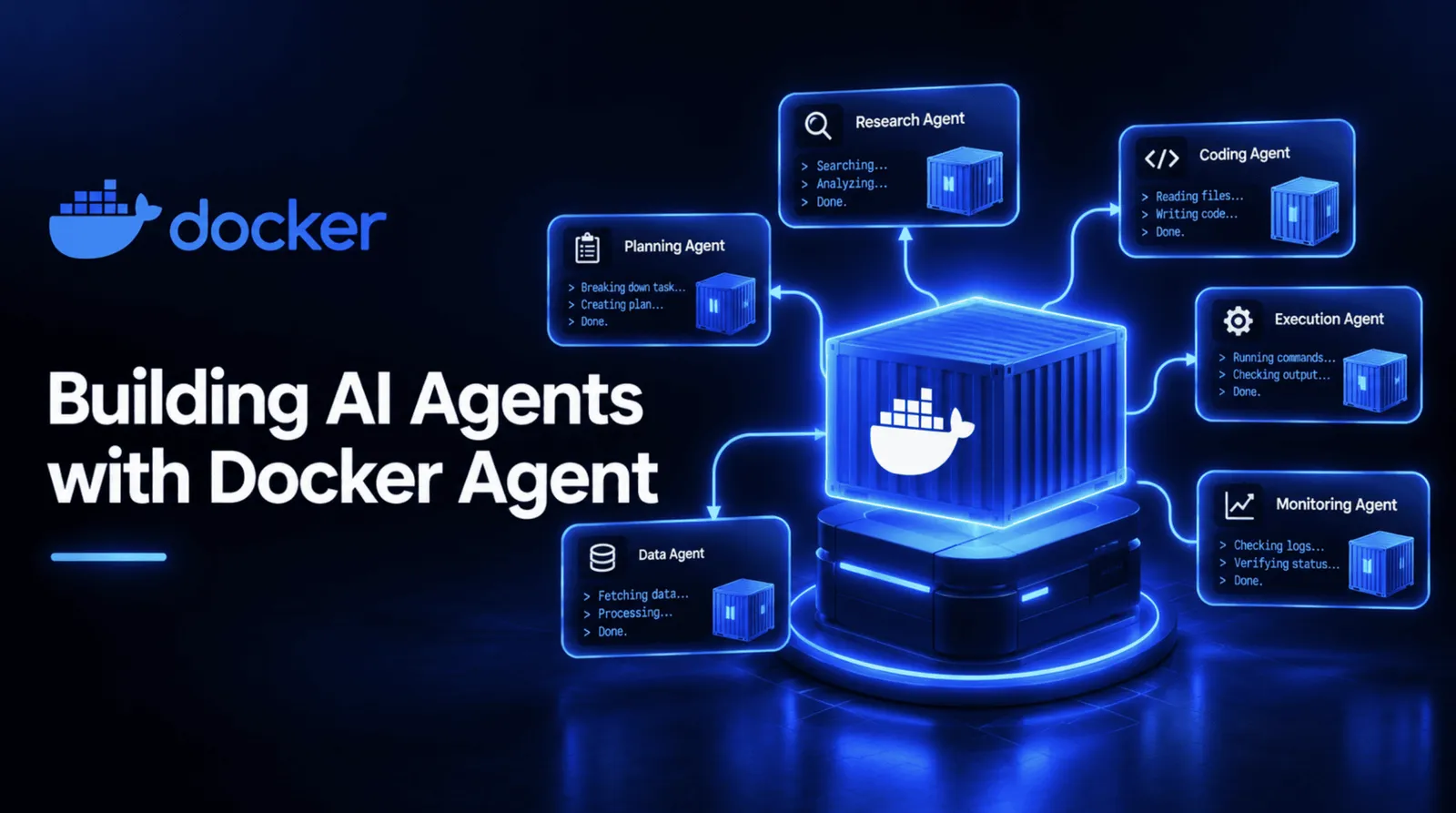
Building AI Agents with Docker Agent
Docker Agent is an open-source, Apache 2.0-licensed CLI plugin built by Docker Engineering, installed and run as docker agent. Its own tagline states the goal plainly: run AI agents like containers.
以下正文同步自 KDnuggets,版权归原站所有,已转换为易读排版。
docker agent run agent.yaml
Or run it non-interactively for a single task, useful in scripts or CI:
docker agent run --exec agent.yaml "Create a Dockerfile for a Node.js app"
Code explanation:
A filesystem and a shell are useful, but a genuinely capable agent usually needs to reach outside your machine too. Docker Agent's MCP support is how that happens, and it's worth understanding the recommended pattern specifically: running an MCP server inside its own Docker container, isolated from your host system, rather than as a bare local process.
agents: root: model: anthropic/claude-sonnet-4-5 description: Research assistant with memory and web search instruction: | You are a research assistant. Search the web for information, remember important findings, and provide thorough analysis. toolsets:
- type: think
- type: memory path: ./research.db
- type: mcp ref: docker:duckduckgo
Code explanation:
This is the part that actually shows what Docker Agent is built for. Rather than one agent trying to do everything, you define a small team — each member with a narrow role — and a coordinator that delegates between them. The project for this section: a content research team, a coordinator that hands a topic to a researcher, then passes the findings to a writer for a final report.
agents: root: model: anthropic/claude-sonnet-4-5 description: Coordinator for a content research team instruction: | You are a content lead coordinating a small research team. When given a topic, delegate web research to the researcher, then pass the findings to the writer to produce a short, well-organized report. Review the final output before presenting it to the user. sub_agents: [researcher, writer] toolsets:
- type: think
researcher: model: openai/gpt-5 description: Web researcher who gathers and summarizes findings instruction: | Search the web for current, credible information on the given topic. Summarize the key findings in a structured list, noting the source for each claim. toolsets:
- type: mcp ref: docker:duckduckgo
- type: memory path: ./research.db
writer: model: anthropic/claude-sonnet-4-5 description: Turns research findings into a clear, organized report instruction: | Take the research findings you're given and write a short, well-structured report a general reader could follow, with clear section headings and no unexplained jargon. toolsets:
- type: filesystem
Code explanation:
Notice each agent uses a different provider: Claude for the coordinator and writer, GPT-5 for the researcher. That's a real, intentional feature, not an inconsistency: Docker Agent is explicitly built to let you pick the best model for each specific role rather than forcing one model to handle every kind of task in a team. The three-agent configuration above was run through the same schema validation as the earlier examples, and it passed cleanly.
Before trusting any config, it's worth checking that it's actually well-formed, and Docker Agent's real schema makes that a genuine, checkable step rather than a guess. Here's the validator used to check every configuration in this article, built directly against the schema published in the project's own repository:
import yaml, json, jsonschema
with open("agent-schema.json") as f: SCHEMA = json.load(f)
def validate(yaml_text: str, label: str): config = yaml.safe_load(yaml_text) try: jsonschema.validate(instance=config, schema=SCHEMA) print(f"[{label}] VALID against agent-schema.json") except jsonschema.ValidationError as e: print(f"[{label}] SCHEMA VALIDATION ERROR: {e.message}")
Code explanation:
To confirm this validator genuinely catches mistakes rather than rubber-stamping everything, it was run against a deliberately broken config with a made-up toolset type, not_a_real_toolset_type, and it correctly failed with a clear schema error pointing at exactly where the problem was. Every config shown earlier in this article passed the same check.
With a config confirmed valid, Docker Agent gives you a few ways to actually run it. The interactive terminal UI, shown earlier, is the default. For automation, docker agent run --exec agent.yaml "your task" runs once and exits. Adding --yolo auto-approves every tool call the agent wants to make — useful for fully unattended runs, though worth using deliberately rather than as a default, since it removes the confirmation step between the agent deciding to act and the action actually happening. And if you'd rather learn by doing than by reading, docker agent getting-started launches a short, scripted, skippable tour inside the actual chat interface.
Once a team like the one above is working the way you want, the same OCI-based distribution Docker uses for container images applies directly to agents. A finished agent can be pushed to any OCI-compatible registry and pulled down anywhere Docker Agent runs, with no local YAML file needed on the other end:
docker agent run myorg/agent:tag
Agents can also reference each other across that same registry system as sub-agents, mixing local and shared, externally-maintained team members in one config:
agents: root: model: openai/gpt-5 description: Coordinator that delegates to a shared, pinned research agent instruction: | Delegate research tasks to the shared researcher agent. sub_agents:
- reviewer:docker.io/myorg/review-agent@sha256:44117e73263afa5c861bdf3730dae7925918ffdd146827eee5bcff20bc55e8fa
Code explanation: Referencing an external agent by a plain tag like myorg/agent:latest means Docker Agent re-resolves that tag against the registry on every single run, which typically adds a second or two of startup latency and is a real point of failure if the registry or your credentials misbehave. Pinning to an immutable digest instead — the long @sha256:... string shown above — tells the runtime to serve the agent straight from its local cache with no network round-trip at all, keeping startup fast and, just as importantly, keeping your team's behavior fully reproducible: a tag can silently point to a different, updated agent later, while a digest never can. This config validated cleanly too, confirming the external reference syntax is exactly what the schema expects.
The real contribution here isn't a new way to prompt a model; plenty of tools already do that well. It's treating an agent's definition — its model, its instructions, its tools, its teammates — as a portable, versionable artifact you can check into source control, validate automatically, and ship through the same registry infrastructure a container image already uses.
Start with the single-agent file, confirm it does what you expect, then grow it into a team the way this tutorial did — one delegated role at a time, validating each step against the real schema rather than assuming a YAML file that looks right actually is.
Shittu Olumide is a software engineer and technical writer passionate about leveraging cutting-edge technologies to craft compelling narratives, with a keen eye for detail and a knack for simplifying complex concepts. You can also find Shittu on Twitter.
正文由 探How 从来源站点 RSS 同步,内容未经改写;遇到排版缺失或需要图片、视频时请以原文为准。