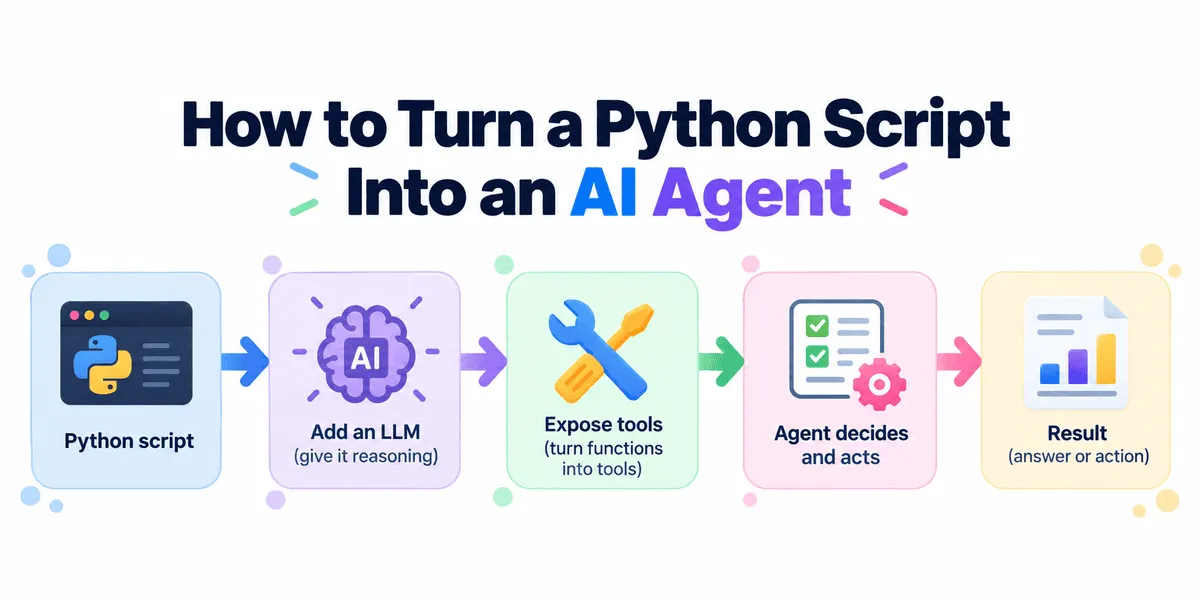
How to Turn a Python Script Into an AI Agent
Learn how to build a Python AI agent with the OpenAI Agents SDK, using tool calling and function tools to automate multi-step workflows.
以下正文同步自 KDnuggets,版权归原站所有,已转换为易读排版。
mkdir website-agent cd website-agent
uv init uv add openai-agents requests
Or use pip:
pip install openai-agents requests
Set your OpenAI API key:
export OPENAI_API_KEY="your-api-key"
The Agents SDK provides a lightweight runtime for agents, tools, handoffs, sessions, and tracing.
Next, expose our existing Python function as a tool that the model can choose to call.
We can keep almost all of our existing function.
The main change is adding @function_tool:
from time import perf_counter
import requests from agents import function_tool
@function_tool def check_website(url: str) -> str: """Check a website's HTTP status and response time."""
start = perf_counter()
try: response = requests.get(url, timeout=10) latency = perf_counter() - start
return ( f"URL: {url}\n" f"Status: {response.status_code}\n" f"Response time: {latency:.2f}s" )
except requests.RequestException as error: return f"URL: {url}\nError: {error}"
The OpenAI Agents SDK automatically converts the function signature into the JSON schema required by the model. It also uses the function name and docstring to describe the tool.
We do not need to manually create a tool schema.
Now, create an Agent, define what it should do, and give it access to our check_website() tool.
from agents import Agent, Runner
agent = Agent( name="Website Monitor", model="gpt-5.6-luna", instructions=""" Monitor websites using the available tool. Compare results and explain problems clearly. """, tools=[check_website], )
Run the agent:
result = Runner.run_sync( agent, "Check python.org, github.com, and openai.com. " "Which one has the slowest response?" )
print(result.final_output)
Output:
python.org is the slowest, responding in 1.59 seconds.
- github.com: 0.83s
- openai.com: 0.49s
All returned HTTP 200.
Previously, we would have needed to write the loop and comparison logic ourselves:
for url in urls: check_website(url)
Now the model interprets the request, calls check_website() for the three websites, receives the results, compares them, and produces the answer.
Behind the scenes, the Runner manages the interaction between the model and the tools.
正文由 探How 从来源站点 RSS 同步,内容未经改写;遇到排版缺失或需要图片、视频时请以原文为准。